Connecting the JBOD Enclosure to a Server
A Windows or Linux server does not limit the number of JBOD enclosures it can support.
1. Power off the server.
2. Power off the JBOD enclosure.
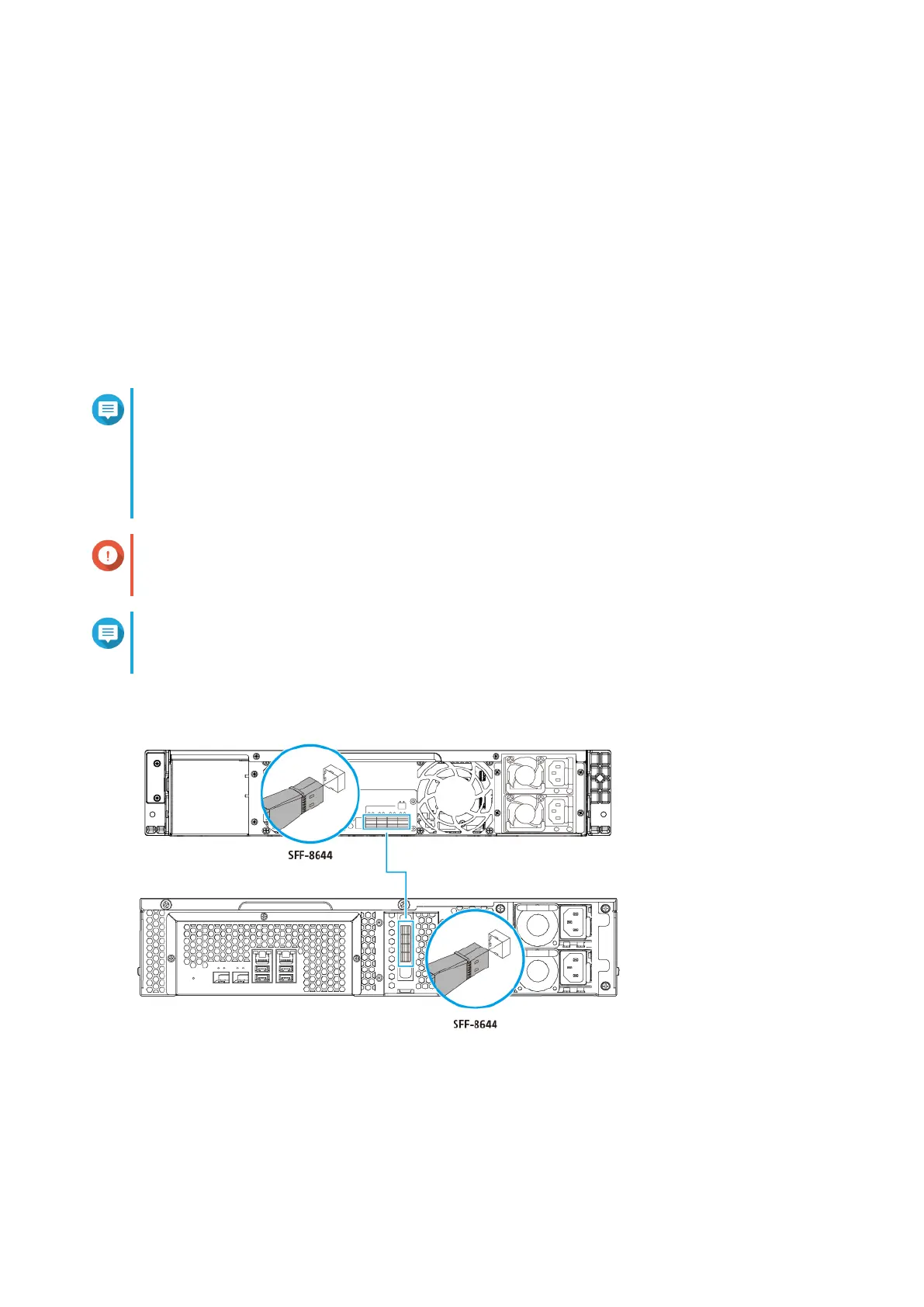
3. Connect the JBOD enclosure to a server.
a. Connect one or more SFF-8644 connector cables to the SFF-8644 ports on the JBOD enclosure.
b. Connect one or more SFF-8644 connector cables to the SFF-8644 ports on the host bus adapter
installed on the NAS.
Note
• Refer to the hardware installation section of the NAS user guide for instructions on installing
expansion cards.
• The recommended maximum length of the SFF cable is 1 meter. Using a longer cable may
degrade the signal or performance.
Important
The QNAP QXP-820S-B3408, QXP-1620S-B3616W, and SAS-12G2E host bus adapters are
required for connecting the JBOD enclosure to a host device.
Note
Third-party host bus adapters are compatible with QNAP JBOD enclosures. For details, go to
https://www.qnap.com/en/compatibility/.
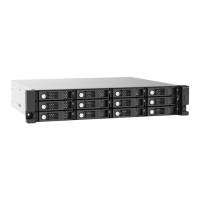
TL-R1220Sep-RP
QNAP JBOD Enclosure - TL-R1220Sep-RP/TL-R1620Sep-RP User Guide
Hardware Installation 18


 To Next Page
 Loading...






