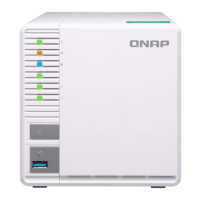
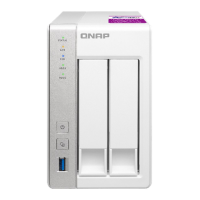
b. Insert the module into the slot.
c. Verify that the metal connectors are completely inserted into the slot.
d. Carefully press down on the module until the retention clips lock the module into place.
7. Attach the case cover.
• TS-432PXU, TS-432PXU-RP
1. Place the cover on the NAS.
2. Attach the screws connecting the case cover to the chassis.
• TS-832PXU, TS-832PXU-RP, TS-1232PXU-RP
1. Place the cover on the NAS.
TS-x32PXU User Guide
Installation and Configuration 32


 To Next Page
 Loading...