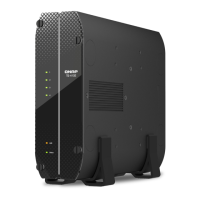
7. Power on the NAS.
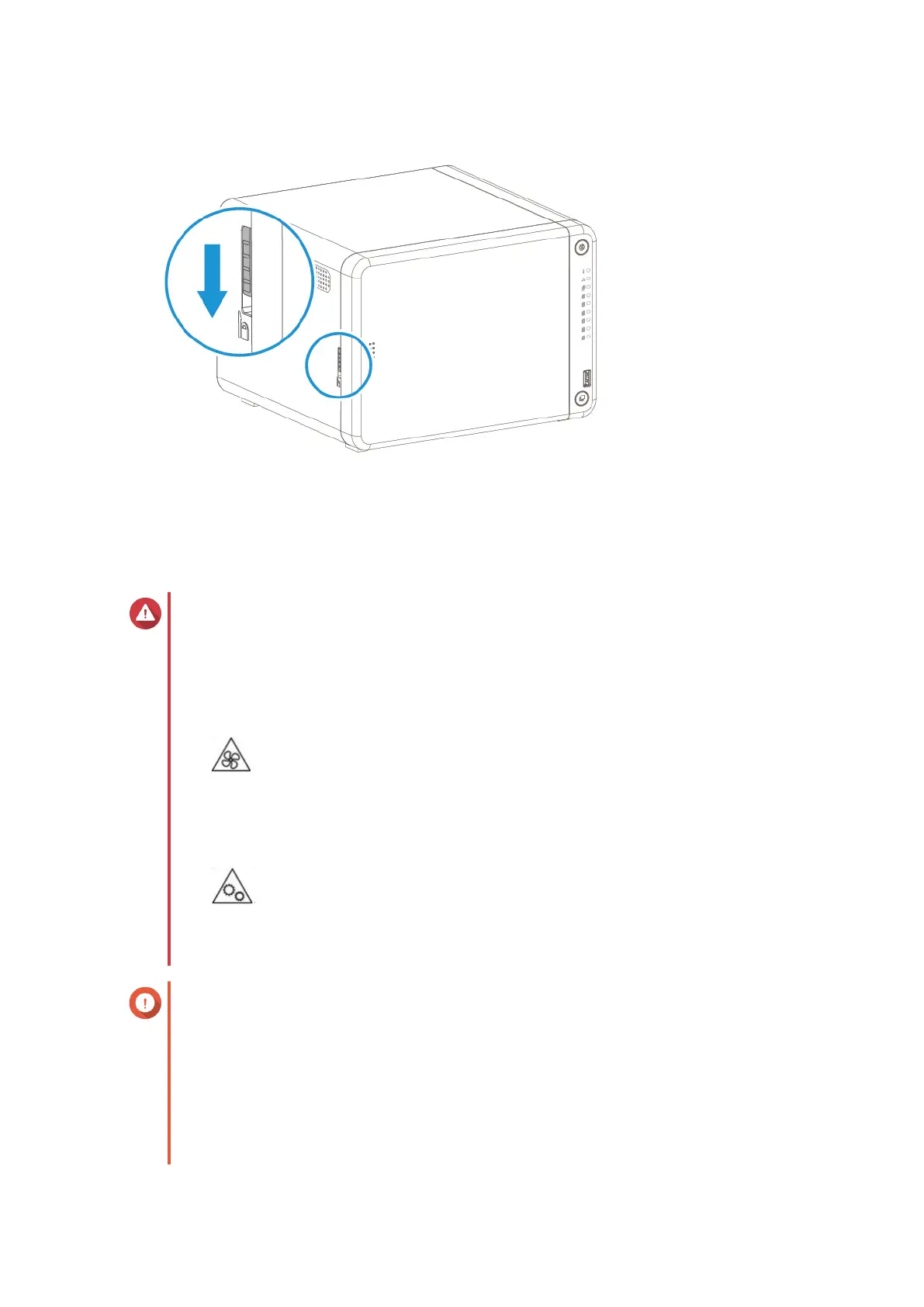
Installing M.2 Solid-State Drives
Warning
• Only qualied personnel should perform the following steps. Failure to follow
instructions can result in serious injury or death.
• Observe electrostatic discharge (ESD) procedures to avoid damage to components.
•
Moving fan blades: Keep your hands and other body parts away from moving fan
blades.
•
Other moving components: Keep your hands and other body parts away from other
moving components.
Important
• The NAS has two M.2 SSD slots. For a list of compatible M.2 SSDs, go to https://
www.qnap.com/compatibility.
• QNAP recommends installing heatsinks on the M.2 SSD controllers to enhance cooling
eciency and to ensure consistent performance.
• Before installing non-QNAP heatsinks, ensure that they are of the appropriate size and
shape.
TS-x62, TS-x64 User Guide
Installation and Conguration 27



 To Next Page
 Loading...