In single order taker mode: there is one dedicated order taker at any
one time. Only that headset can communicate with the order point
until they are overridden by another user. The order taker’s boom LED
double pulses green, runner’s single pulses green. All users hear the
car arrival chime and hear the conversation between customer and
order taker. They can speak to the order taker during the order process
by pressing ‘
*
’ and can speak with each other by doing the same. Any
runner can take over as order taker by pressing and holding T1 and V -
until their boom LED double pulses green.
When a vehicle arrives they should press T1. They’re now the order
taker and the previous order taker becomes a runner (single pulse
green). When a vehicle is detected the red LED on the base splits
showing green on the bottom half. The green LED will then flash when
the order taker is speaking or a page is being made.
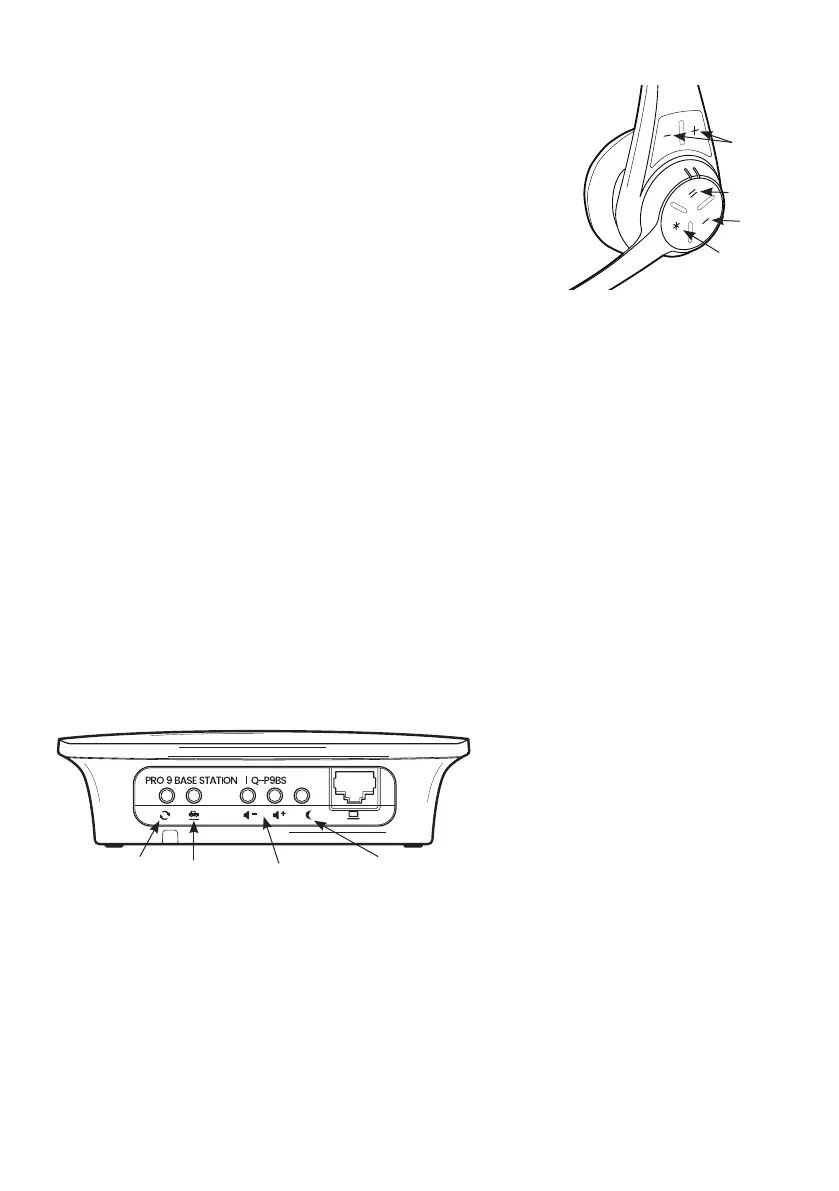
Step 21 Now show the customer the features on the underside of the base station.
a. If the site needs to reduce the order point volume level at night, they press the night volume
button and it stays activated for 8 hours or until they press again. The volume level is reduced by
approximately 20%.The green light adjacent to the button indicates night volume is active.
b. If using a chime speaker the volume V- and V+ buttons give manual adjustment to the sound level.
c. The vehicle detection override button is the manual override if the automatic vehicle detection
fails.
d. The reset button cuts the power and starts a reboot. Press this for 10 seconds, the front light will
start to flash green after several seconds, then a short time later turn amber. You may now release the
button and the system will reboot.
page 9
Vehicle
detection
override
Reset Night
volume
Chime speaker
volume manual
adjustment
Figure 12 - base station (underside)
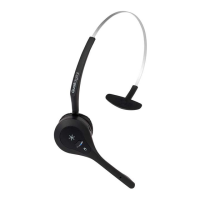
Figure 11 - Pro9 headset
Volume
Lane 2
Lane 1
Page



 To Next Page