page 8
Step 18 Ask someone in a vehicle to
drive to the order point. You’ll hear a
beep in your headset to signify a car
is at the order point.
Press T1, to talk, the headset will go
into hands-free mode and the boom
LED will go solid green.
While speaking with the person
at the order point, ask them if the
sound level is comfortable or too
loud or too quiet. The default setting
is usually fine.
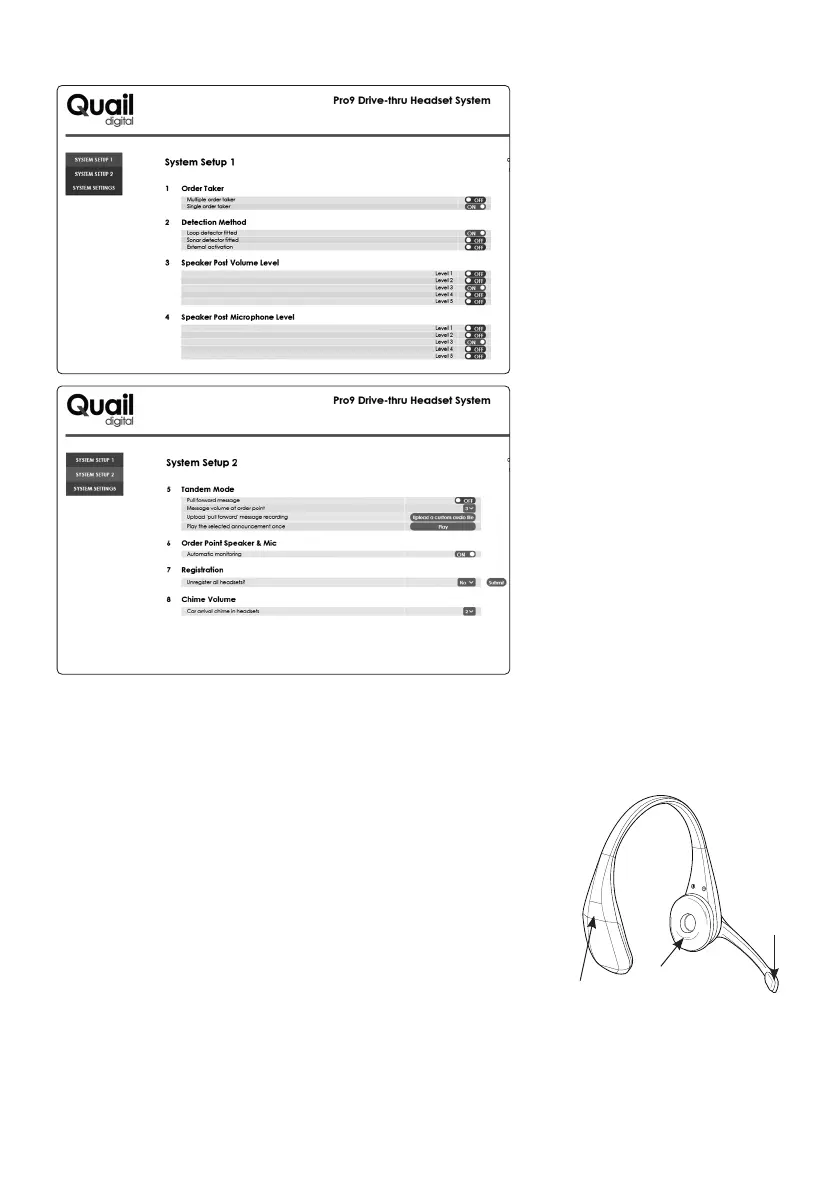
You can change the volume levels
as you see fit but be careful to judge
whether the change will suit the
everyday use of the system once the
store is operating.
Step 19 While in the settings menu, ask the customer whether they wish to operate with a SINGLE
order taker mode, or MULTIPLE order taker mode. The default is multiple order taker for single lane
operation.
Step 20 Now explain the headset features to the customer:
In multi order taker mode: any headset wearer can take an order
from the order point when they hear the car arrival beep. A single
press of the T1 button puts the order taker into hands-free mode
and the boom LED will go solid green. All other headsets hear the
conversation. When the vehicle leaves, the call closes automatically
and the LED boom will revert to double pulsing green.
If another user wishes to page other headsets, the user presses ‘
*
’.
The boom LED turns white while the person is talking. Release to
listen. When a vehicle is detected the red LED on the base splits
showing GREEN on the bottom half.
Boom
LED
Battery
release
clip
Cushioned
earpiece
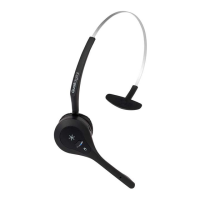
Figure 10 - Pro9 headset



 To Next Page