5G Module Series
RG500L_EVB_User_Guide 13 / 38
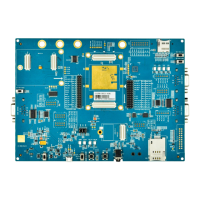
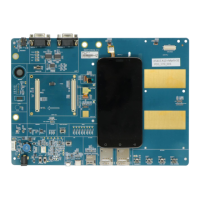
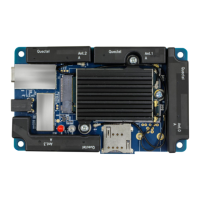
Table 2: Components & Interfaces of RG500L EVB
The power jack on the EVB
Typical supply voltage: 12 V/ 3 A
Power key (push button)
Used to turn on/off the module
Reset button (push button)
Used to reset the module
For AT command communication, data transmission
and firmware upgrade
For Linux console and log output
SLIC board TE-A connector
Power supply on/off indicator, indicating whether the
module’s power supply is turned on or off
Module’s operation status indicator, indicating
whether the module is powered on
Network mode indicator, indicating whether the
module has registered on 5G network
Indicates the module’s network activity status
Indicates the VoIP function status
Indicates the (U)SIM card function status





 To Next Page