5G Module Series
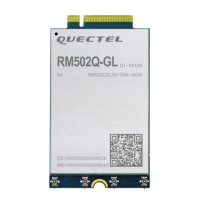
RM502Q-GL Hardware Design
RM502Q-GL_Hardware_Design 32 / 83
Table 10: Turn-off Timing of the Module Through FCPO#
3.5.2. Turn off the Module Through AT Command
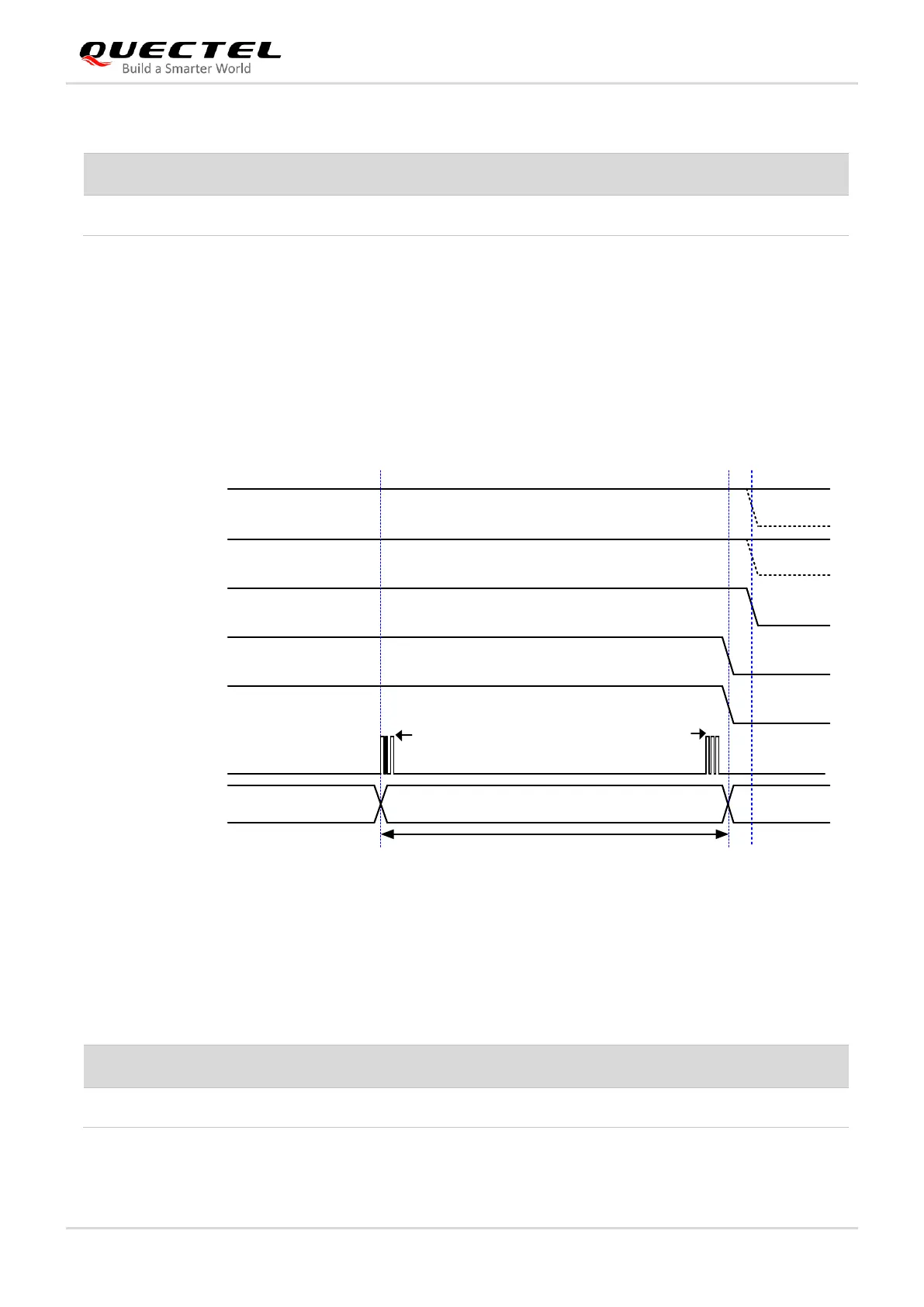
It is also a safe way to use AT+QPOWD command to turn off the module. For more details about the
command, see document [4].
The module is designed to be turned on with a host GPIO. Pull down FULL_CARD_POWER_OFF# pin
after the module’s USB/PCIe is removed. Otherwise, the module will turn on again.
VCC(H)
RESET#(H)
USB/PCIe
Module Status
FCPO#
RFFE_VIO_1V8
Turn-off procedureRunning OFF
AT+QPOWD USB/PCIe removed
1.8 V
3.7 V
V
IH
≥ 1.19 V
1.8 V or 3.0 V
1.8 V
USIM_VDD
T
turn-off
NOTES:
1. The host GPIO must pull down FCPO# after the USB/PCIe interface is removed;
2. As shown by the dotted line, it is recommended to disconnect VCC and pull RESET# low after the module shuts down.
Figure 11: Turn-off Timing Through AT Command and FCPO#
Table 11: Turn-off Timing of the Module Through AT Command and FCPO#


 To Next Page