41
©2006 Sunrise Medical
QUICKIE ELECTRONICS SECTION
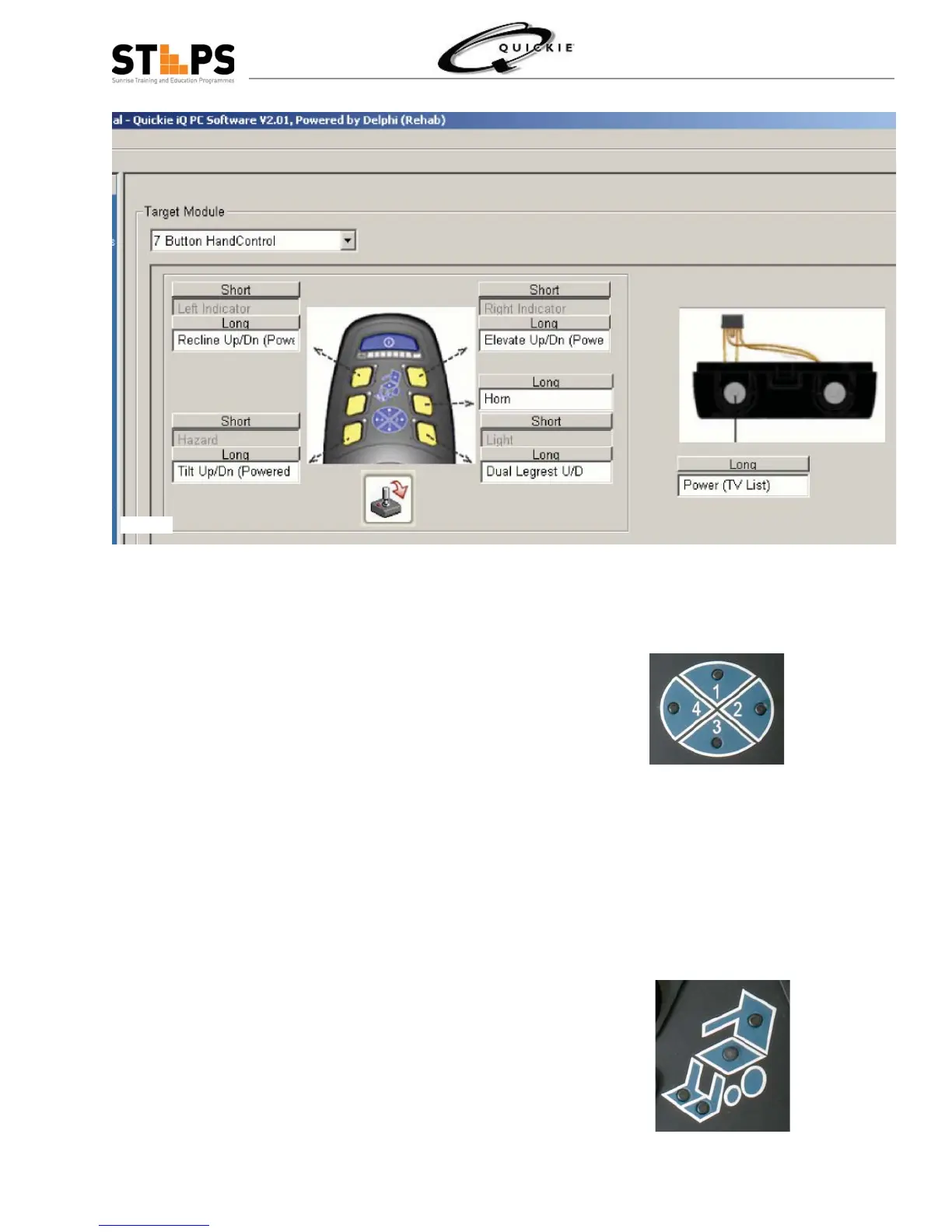
Actuator Mode
There are 6 different Actuator Modes to go through.
Lights will illuminate to indicate what Mode you are in.
The Mode Indicator Light will fl ash Green
The different Modes are as follows :
Dual Legrest•
Rt Legrest•
Lt Legrest •
Tilt where both Seat and Back are lit•
Recline where back is lit and Lift where Seat •
only is lit.
To operate through the Modes of Actuator simply
defl ect Joystick in a Right or Left command position.
Drive Profi le Mode
Red Mode light Shows fl ashing and Choice of Drive can
be made
There are 4 separate Drive Profi les to choose. After
depression of Mode Button push in any of the 4 direc-
tions to choose what Drive Profi le to be in.
When you select a drive profi le, the small light for that
drive profi le will glow red to indicate that it has been
selected. After you select a drive profi le, the wheel-
chair automatically goes back into drive mode and any
further movement of the joystick will begin to move the
wheelchair.
Fig 2.5
Fig 2.6
Fig 2.4.3


 To Next Page