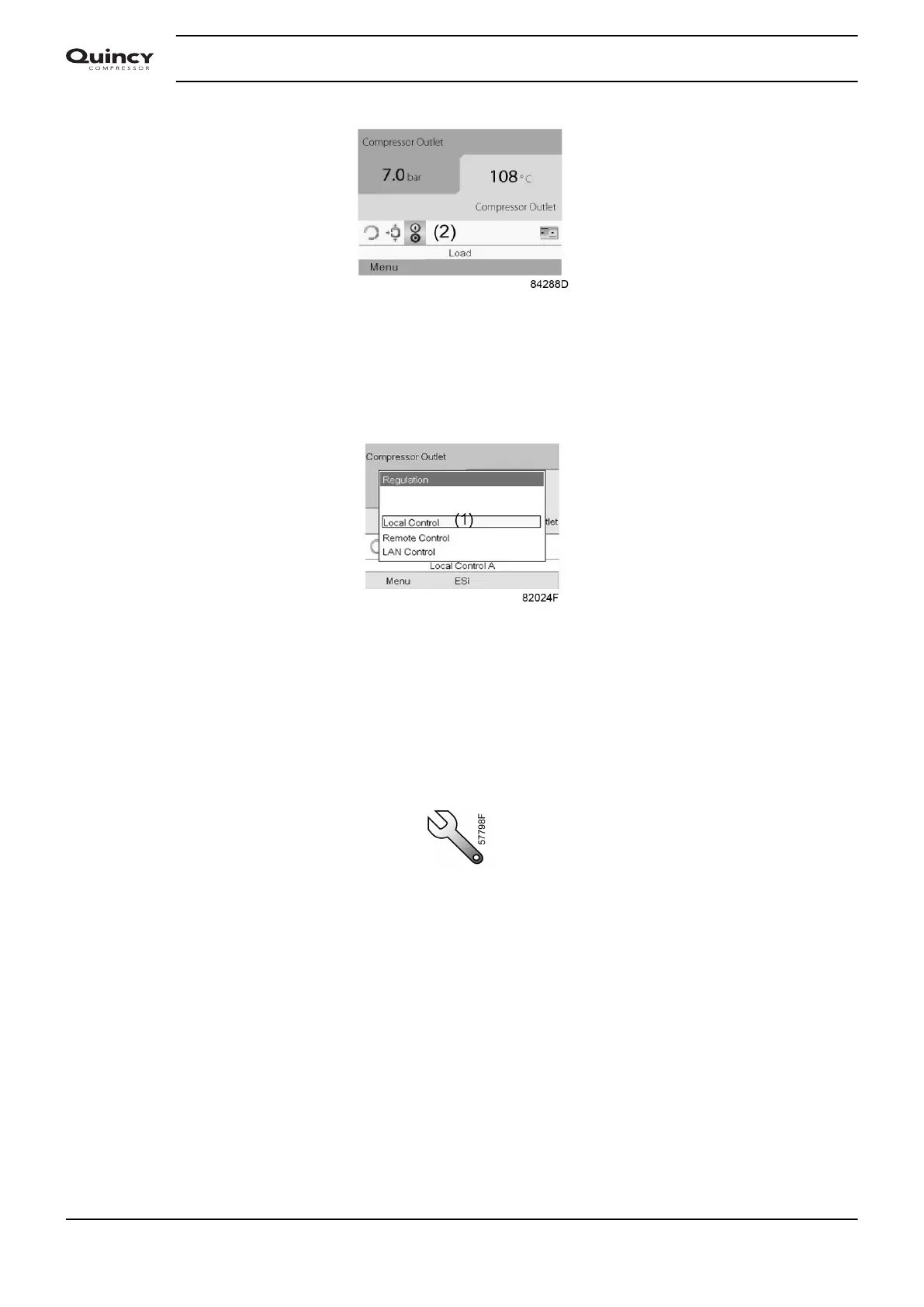
Press the enter button.
There are 3 possibilities:
• Local control
• Remote control
• LAN (network) control
After selecting the required regulation mode, press the enter button on the controller to confirm
your selection. The new setting is now visible on the main screen. See section Used icons for the
meaning of the icons.
3.10 Service menu
Menu icon, Service
Function
• To reset the service plans which are carried out.
• To check when the next service plans are to be carried out.
• To find out which service plans were carried out in the past.
• To modify the programmed service intervals.
Procedure
Starting from the Main screen,
• Move the cursor to the action button Menu and press the Enter key.
• Using the Scroll keys, move the cursor to the Service icon (see below).
Instruction book
42 2920 7190 02






 To Next Page