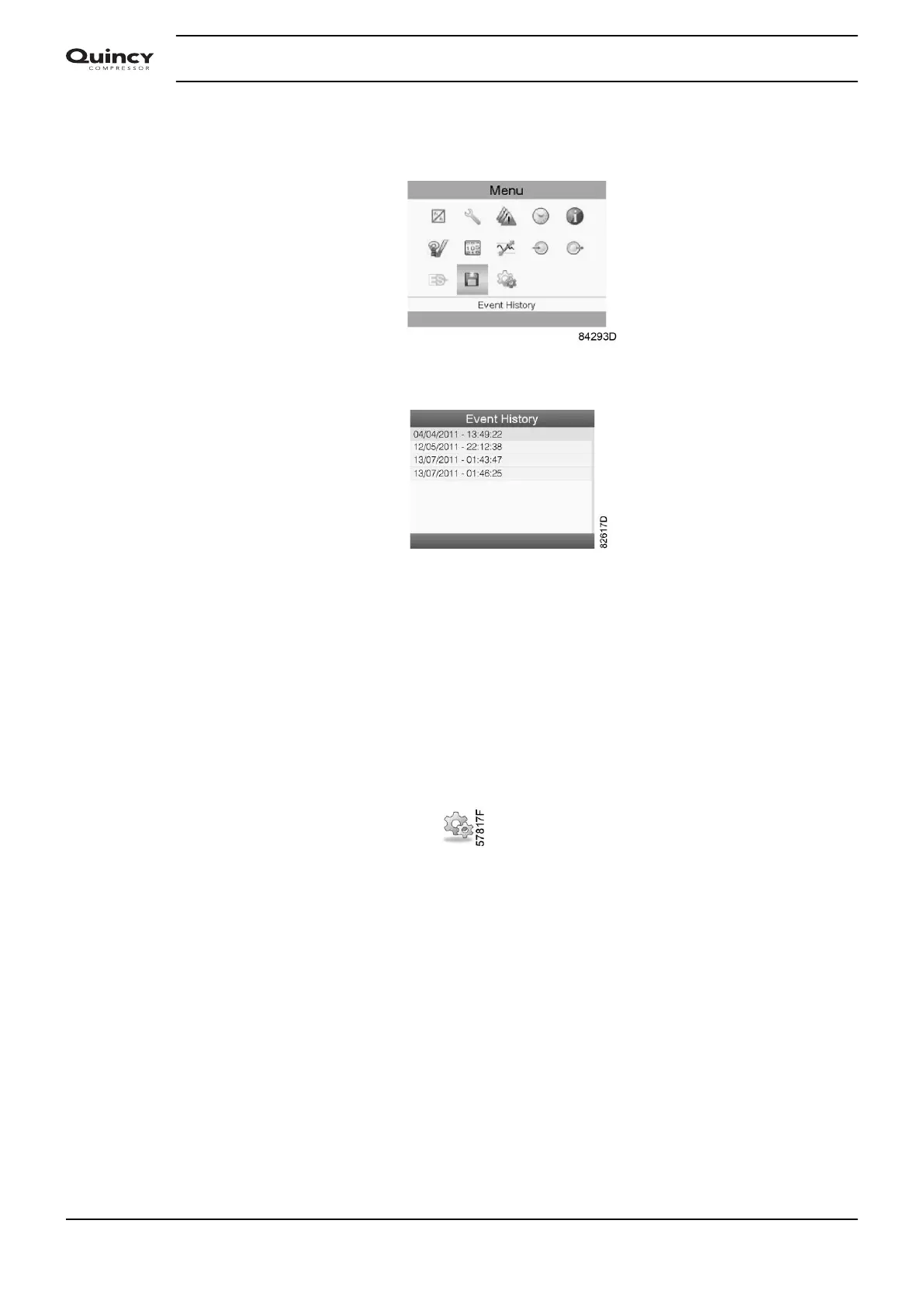
• Move the cursor to the action button Menu and press the Enter key.
• Using the Scroll keys, move the cursor to the Event History icon (see below).
• Press the Enter key.
The list of last shut-down and emergency stop cases is shown.
Example of Event History screen
• Scroll through the items to select the desired shut-down or emergency stop event.
• Press the Enter key to find the date, time and other data reflecting the status of the
compressor when that shut-down or emergency stop occurred.
3.13 Modifying general settings
Menu icon, Settings
Function
To display and modify a number of settings.
Procedure
Starting from the Main screen,
• Move the cursor to the action button Menu and press the Enter key.
• Using the Scroll keys, move the cursor to the Settings icon (see below).
Instruction book
48 2920 7190 02






 To Next Page