(4) Date
(5) Date format
(6) Modify
• To modify, select the Modify button using the Scroll keys and press the Enter key.
• A screen similar to the one above is shown, the first item (Language) is highlighted. Use the
↓ key of the Scroll keys to select the setting to be modified and press the Enter key.
• A pop-up screen appears. Use the ↑ or ↓ key to select the required value and press the
Enter key to confirm.
3.14 Week timer menu
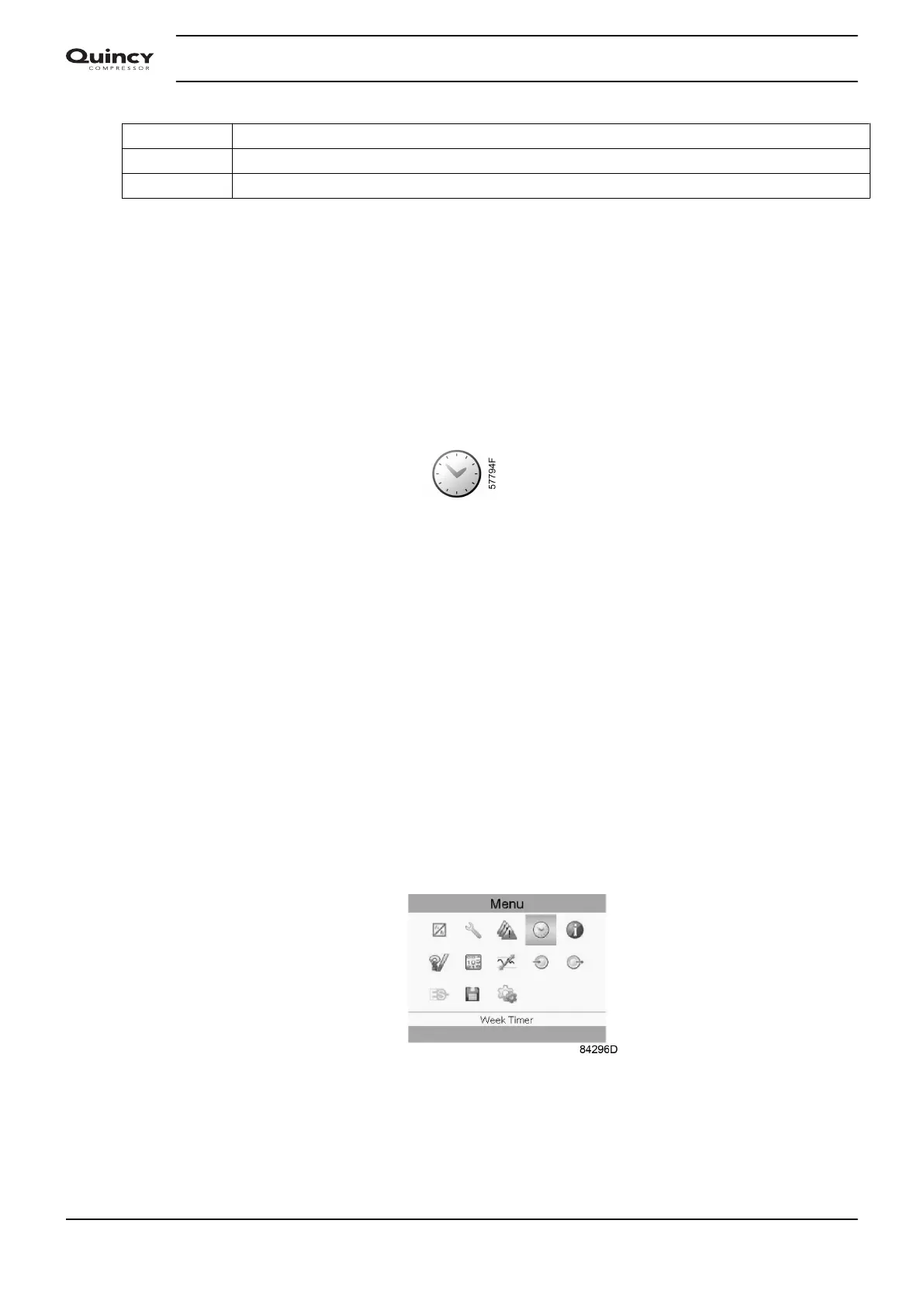
Menu icon, Week timer
Function
• To program time-based start/stop commands for the compressor
• To program time-based change-over commands for the net pressure band
• Four different week schemes can be programmed.
• A week cycle can be programmed, a week cycle is a sequence of 10 weeks. For each week
in the cycle, one of the four programmed week schemes can be chosen.
• In the controller you can select different timers on one day (up to 8 actions). It is however
not possible to program 2 actions at the same time. The solution: leave at least 1 minute in
between 2 actions.
Example: Start Compressor: 5.00 AM, Pressure Setpoint 2: 5.01 AM (or later).
Procedure
Starting from the Main screen,
• Move the cursor to the action button Menu and press the Enter key.
• Use the Scroll buttons to select the Timer icon. (see below)
• Press the Enter key. Following screen appears:
Instruction book
50 2920 7190 02






 To Next Page