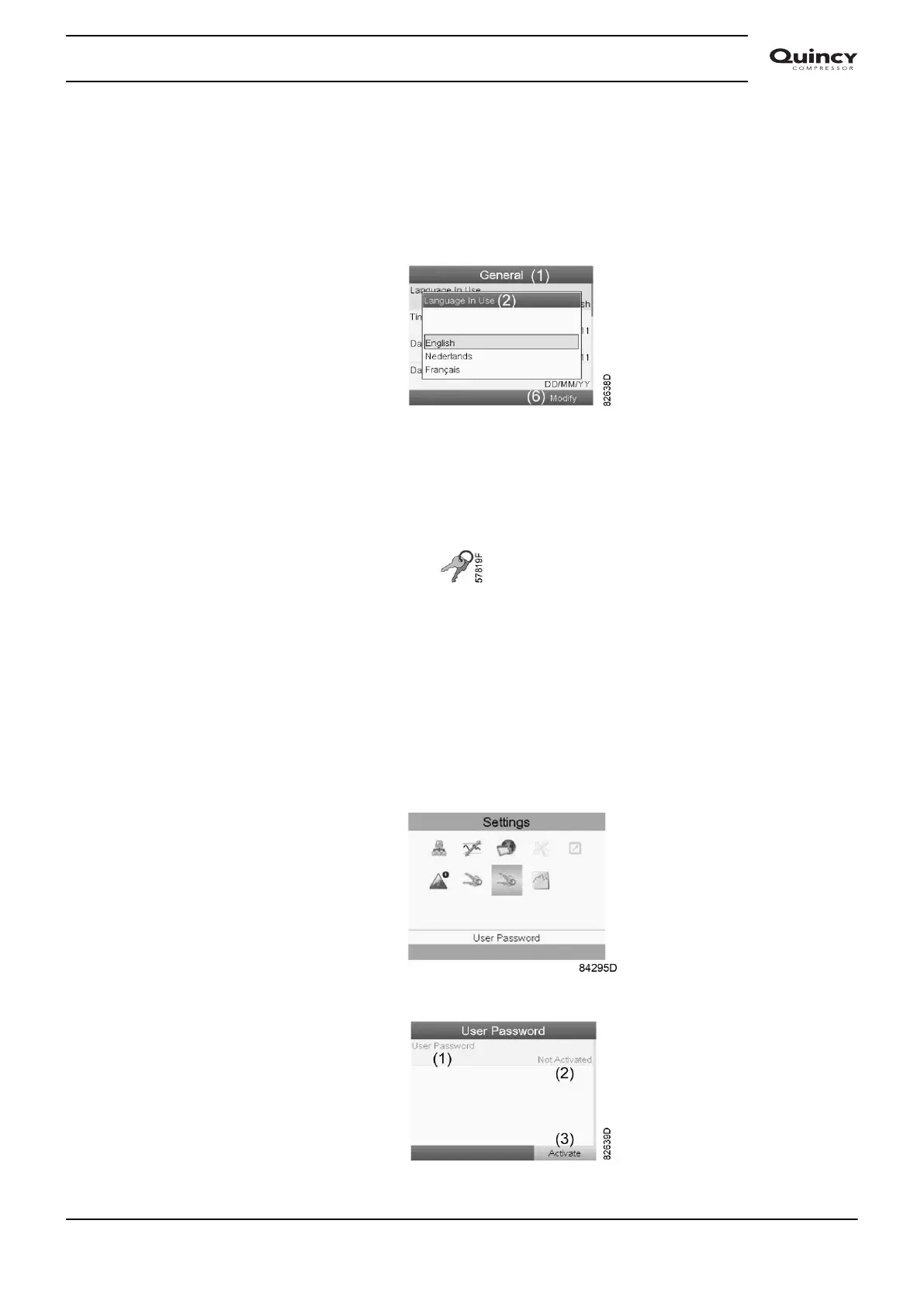
• A screen similar to the one above is shown, a selection bar is covering the first item
(Language). Use the ↓ key of the Scroll keys to select the setting to be modified and press
the Enter key.
• To modify, select the Modify button using the Scroll keys and press the Enter key.
• A pop-up screen appears. Use the ↑ or ↓ key to select the required parameter and press the
Enter key to confirm.
3.17 User password menu
Menu icon, Password
Function
The end customer can activate and choose a personal password. Once the password option
activated, it is impossible for not authorized persons to modify any setting.
Procedure
Starting from the submenu screen (see Modifying general settings),
• Using the Scroll keys, move the cursor to the User Password icon (see below)
• Press the Enter key. Next screen appears.
• Select the Activate button and press the Enter key.
Instruction book
2920 7190 02 61







 To Next Page