3.15 Test menu
Menu icon, Test
Function
• To carry out a display test, i.e. to check whether the display and LEDs are still intact.
Procedure
Starting from the Main screen,
• Move the cursor to the action button Menu and press the Enter key.
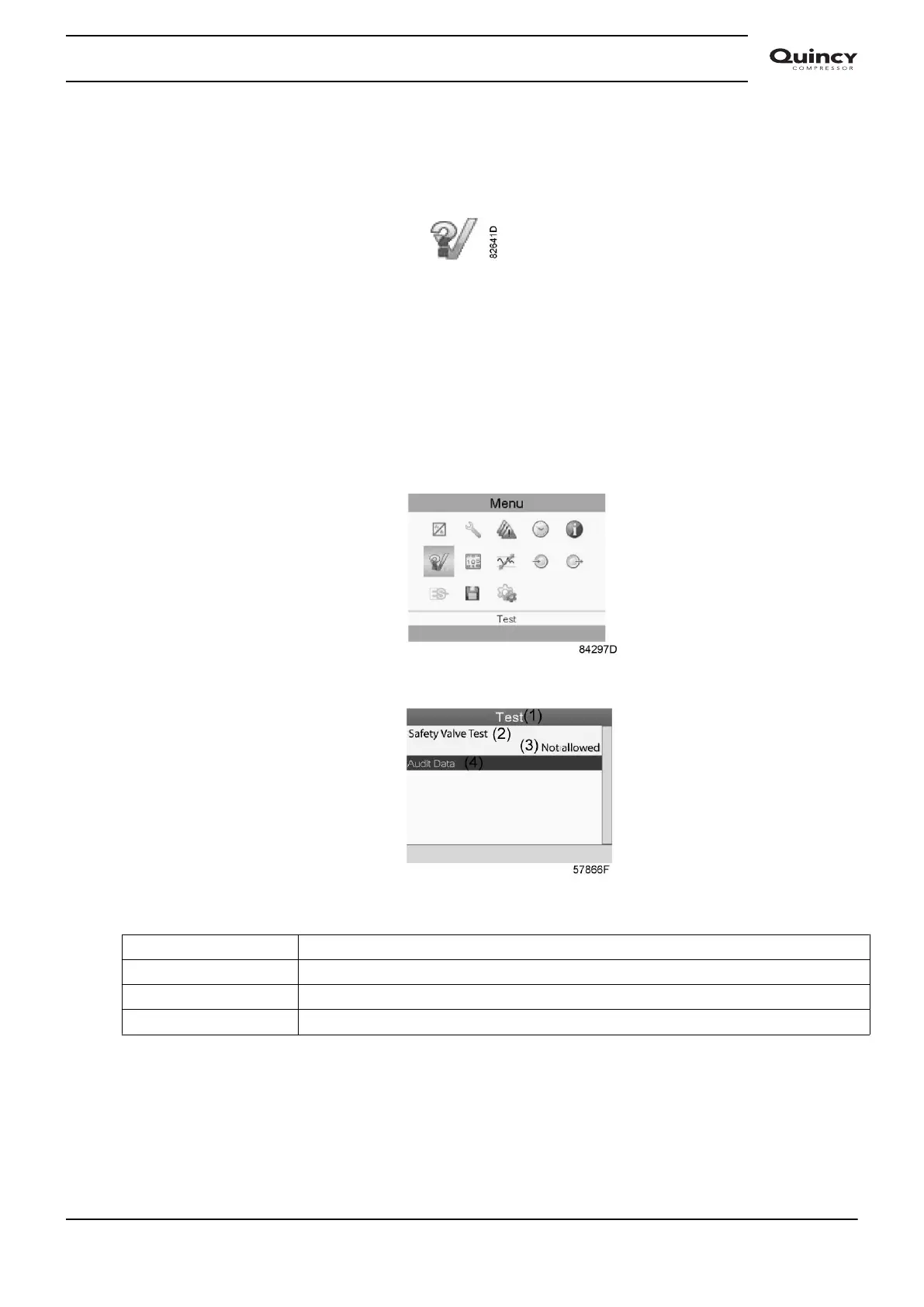
• Using the scroll keys, move the cursor to the Test icon (see below).
• Press the Enter key, following screen appears:
Text on image
(1) Test
(2) Safety Valve Test
(3) Not allowed
(4) Audit Date
• The safety valve test can only be performed by authorized personnel and is protected by a
security code.
• Select the item display test and press the enter key. A screen is shown to inspect the
display, at the same time all LED's are lit.
Instruction book
2920 7190 02 59







 To Next Page