GRB-200 Demodulator (GOES-R) OI&M
GRB-200 Demodulator (GOES-R) OI&M
© Copyright 2015, Quorum Communications, Inc.
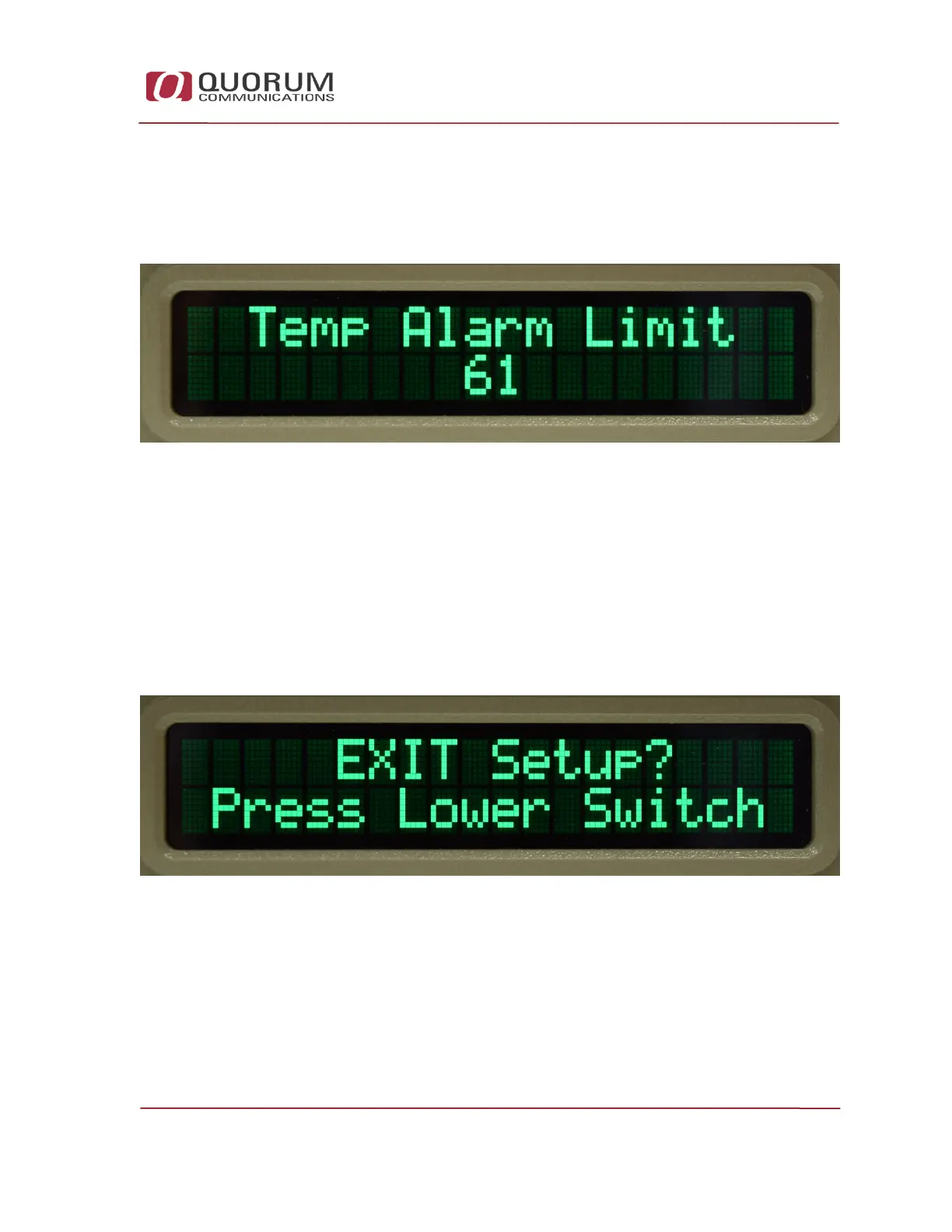
Temperature Alarm Setting
Press the top switch to cycle to the Temperature Alarm Setting. The display
will be as shown below.
Figure 19 - Temperature Alarm Setting Screenshot
Press the bottom switch to increment the temperature alarm set point. It will
roll over at 70C.
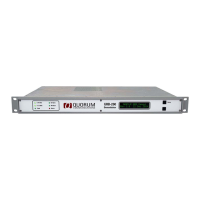
Exit Setup
Press the top switch to cycle to the next display as shown below.
Figure 20 - Exit Setup Screenshot
If you don’t need to change the demodulator IP addresses you can choose to
exit setup by pressing the lower switch.


 To Next Page