19
Subject to technical change without notice
09.2003 09.2003
35
36
35
4. Accessing the
parameter screens
<P>
4.1 Operator setup
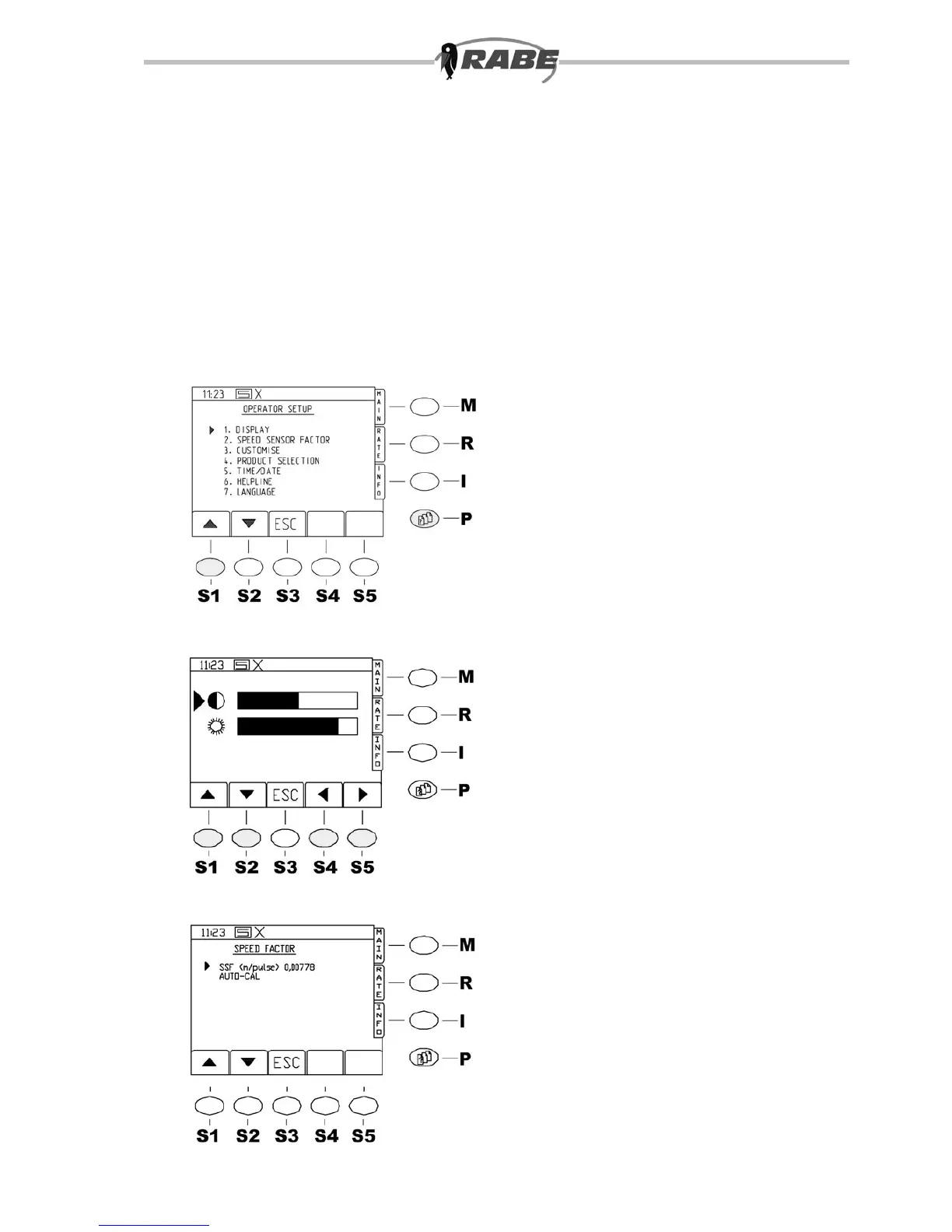
By pressing the <P> key for the parameter
screens, the screen in g. 34 is displayed.
Then, by pressing the <1> key on the
numerical pad, you access the operator
setup parameters (g. 35). Various settings
may be made here (4.1.1 to 4.1.7).
4.1.1 DISPLAY
This screen can be used to set the
brightness and contrast of the display (see
g. 35).
4.1.2 SPEED SENSOR
FACTOR
a) enter calculated speed sensor
factor
b) calibrate machine on the move
The speed sensor factor is the actual
distance travelled between two impulses
from the ground wheel revolution counter
or the radar. The manufacturer’s standard
setting for all machines is 0.00778 metres
per impulse. This is the value for the radar.
The value for the ground wheel is 0.00684
metres per impulse, and must be entered
when using a ground wheel. Because of
varying soil conditions, it can be useful to
calibrate the ground wheel in the eld - this
is in any case the more exact method.
Both these methods are now described.
Move to the Operator Setup screen with the
menu key <P>and option <1>. Then select
SPEED FACTOR with option <2>.
The following display appears (g. 36).



 To Next Page