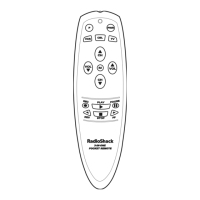
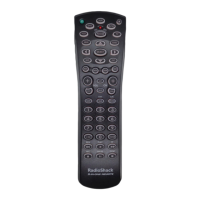
4-IN-ONE REMOTE POWERED BY KAMELEON
CHANGING VOLUME LOCK
The RadioShack 4-in-One Remote is set at the factory for independent
volume control of each selected device.
However, you may change the Volume Lock setting to Global Volume Lock so
that a device’s volume will be locked to one mode (e.g., to control TV
volume in all other modes).After that, if desired, you can perform
Individual Volume Unlock on a selected device to set its volume control for
independent operation.
LOCKING VOLUME CONTROL TO ONE MODE (GLOBAL VOLUME LOCK)
1. Press and hold P until the bottom IR segment flashes twice. The program
keys will appear:
2. Press above VOL. LOCK once. The Volume Lock programming screen
will appear:
3. Press a device key once (i.e.,VCR,TV, CBL/SAT,or DVD) where you want the
volume controls locked to.The bottom IR segment will flash twice,and the
program keys will appear again.
4. To exit programming, press twice.The display will return to the last-
selected device menu screen.
5. Now,when you press VOL ▲,VOL ▼,or MUTE, the selected device’s volume
will be controlled, regardless of the mode selected.
UNLOCKING VOLUME CONTROL FOR A SINGLE DEVICE
(INDIVIDUAL VOLUME UNLOCK)
1. Press and hold P until the bottom IR segment flashes twice. The program
keys will appear:
16 Changing Volume Lock



 To Next Page
 Loading...