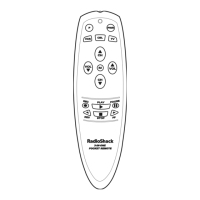
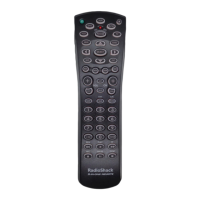
4-IN-ONE REMOTE POWERED BY KAMELEON
USING KEYMOVER
The RadioShack 4-in-One Remote includes a Keymover feature that allows
you to map (or copy) keys from one mode (i.e., source mode) to another
mode (i.e., destination mode).
NOTE: Do not use any of the device keys as a source or destination key.
PROGRAMMING KEYMOVER
For example, if your DVD player does not have volume control, you can
map those keys (i.e.,VOL ▲,VOL ▼,or MUTE) from the TV mode to DVD
mode as follows:
1. Press and hold P until the bottom IR segment flashes twice. The program
keys will appear:
2. Press above OTHER once. The Other programming screen will appear:
3. Using the number keys, enter 9 9 4. The bottom IR segment will
flash twice.
4. For the source mode,press a desired device key once (i.e.,VCR,TV,CBL/SAT,
or DVD).For this example,press TV once. The selected source device menu
screen, including
,
will be displayed.
5. For the source key, press a key to be moved once.For this example,press
VOL ▲ once.
6. For the destination mode, press a desired device key once (i.e.,VCR, TV,
CBL/SAT,or DVD). For this example,press DVD once.The selected
destination device menu screen, including ,will be displayed.
7. For the destination key, press a key to be moved once.For this example
press VOL ▲ once.Upon keymoving, the bottom IR segment will flash
twice as confirmation.The program keys will appear again.
18 Using Keymover


 To Next Page
 Loading...