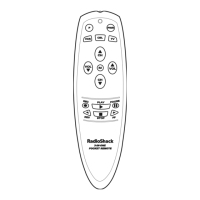
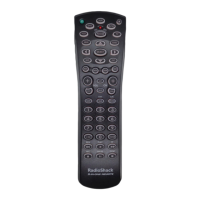
4-IN-ONE REMOTE POWERED BY KAMELEON
PROGRAMMING A DEVICE
The RadioShack 4-in-One Remote is preset at the factory to operate the
following devices:
•Motorola Cable Box
• RCA TV,VCR, and DVD Player
To control devices other than the default brands, perform the following
steps; otherwise skip this section:
NOTE: To control a DVD Player/VCR Combo, perform the instructions in
“Programming A DVD Player/VCR Combo”on page 12.
1. Turn on a desired device (e.g.,VCR or DVD player) and, if applicable,
insert media (e.g., cassette or disc).
NOTE: Please read steps 2 through 9 completely before proceeding. Before starting
step 2, review the “Manufacturer’s Codes” (starting on page 70). Brands are listed
alphabetically in order of the most popular codes first. Highlight or write down the
devices and the codes you wish to program.
2. Press and hold P until the bottom IR segment flashes twice. The program
keys will appear:
NOTE: If the display turns off because of inactivity, you will need to start the
programming sequence again by repeating this step.
NOTE: To stop programming at any time, press once to return to the program keys
screen. Press once more to exit completely.
3. Press above DEV. SET. once. The Device Setup programming screen
will appear:
4. Press a device key once (i.e.,VCR,TV, CBL/SAT,or DVD).The selected device
key will animate.
10 Programming A Device


 To Next Page
 Loading...