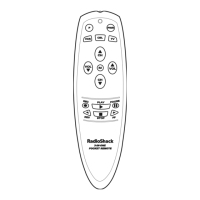
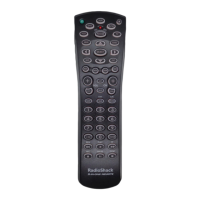
4-IN-ONE REMOTE POWERED BY KAMELEON
TROUBLESHOOTING (Continued)
PROBLEM: Favorite channel function does not work properly.
SOLUTION: Some devices (e.g., Cable Boxes or Satellite Receivers) use
two-digit channel numbers. During programming, press
ENTER or OK once after entering a channel number (e.g., 0 2
ENTER for channel 2).See Programming Favorite Channel
Scan on page 21.
PROBLEM: Cannot find a working code using the instructions in
Searching For Your Code.
SOLUTION: See our website www.radioshack.com for help or take the
remote to your local RadioShack store.
PROBLEM: Changing channels does not work properly.
SOLUTION: If the original remote control required pressing ENTER to
change channels, then press ENTER on the remote after
entering channel numbers.
PROBLEM: No remote control of volume.
SOLUTION: See Changing Volume Lock on page 16 to lock/unlock
the volume.
PROBLEM: Bottom IR segment flashes when pressing a key, but home
entertainment device does not respond.
SOLUTION: Make sure the remote is aimed at your device and is not
farther away than 15 feet.
PROBLEM: CH ▲ and CH ▼ do not work for your RCA TV.
SOLUTION: Due to RCA design (1983-1987), only the original remote
control will operate these functions.
26 Troubleshooting


 To Next Page
 Loading...