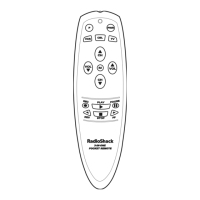
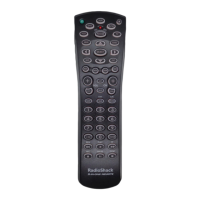
4-IN-ONE REMOTE POWERED BY KAMELEON
DEVICE MENU SCREENS (Continued)
TV MAIN MENU
Pressing TV once displays the TV Main Menu screen.After device program-
ming, use these keys to remotely control all your TV’s common features,
such as volume and channels, and last channel, menu,and information or
display functions.
30 Device Menu Screens


 To Next Page
 Loading...