EasyManua.ls Logo

Radio Shack PRO-90 - User Manual

Radio Shack PRO-90
64 pages
Print Icon
To Next Page IconTo Next Page
Loading...
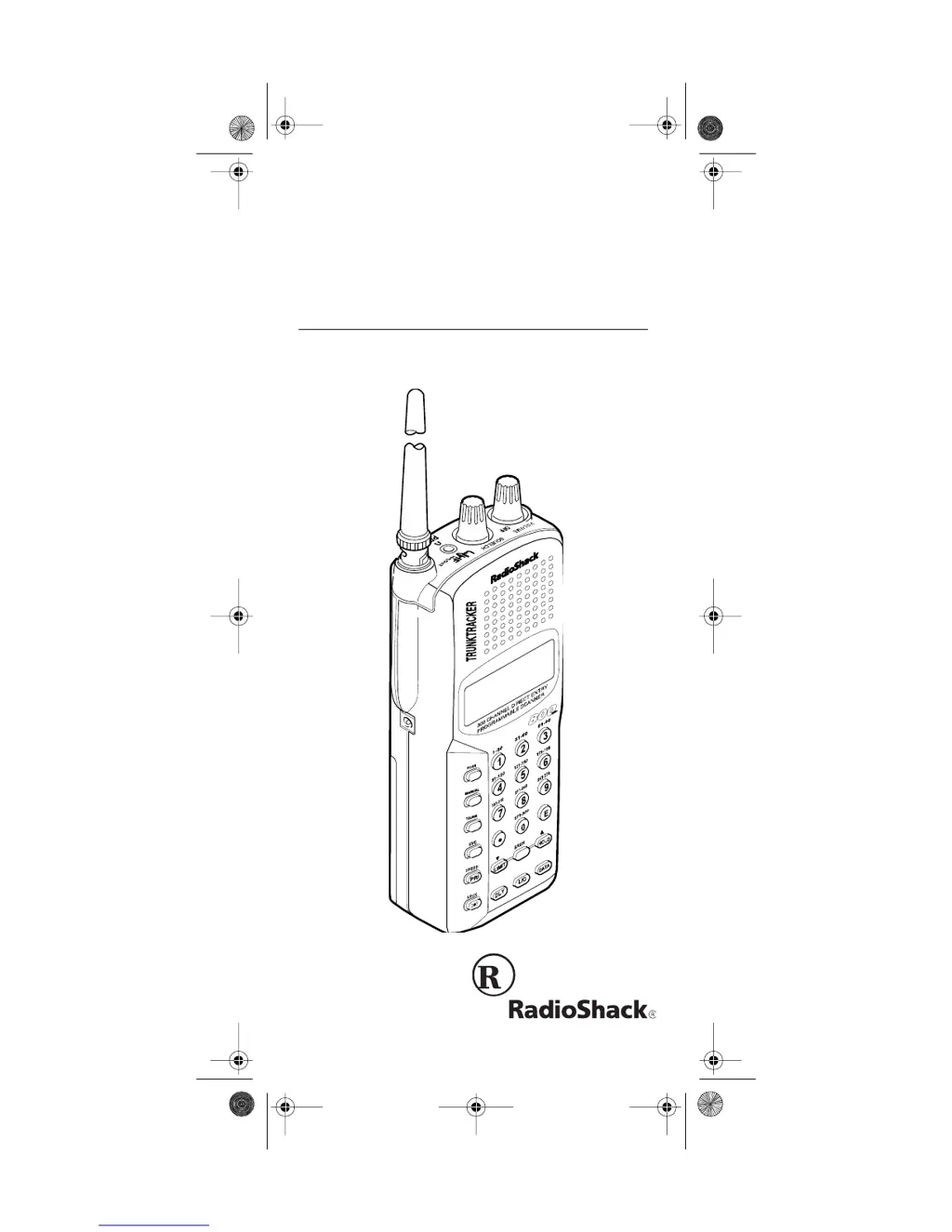
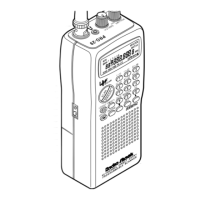
Owner’s Manual
Cat. No. 20-520
PRO-90 300-Channel
TrunkTracker Scanner
Please read before using this equipment.
20-520.fm Page 1 Wednesday, August 4, 1999 3:06 PM

Table of Contents

Questions and Answers

  • J
    James McguireAug 19, 2025
    What to do if my Radio Shack PRO-90 Scanner is not turning on?
    • M
      Mackenzie KnoxAug 19, 2025
      If your Radio Shack Scanner is completely inoperative, there could be a few reasons. First, check the power source: ensure the battery pack is charged or that the scanner is properly plugged into a functioning AC or DC outlet. Also, verify that the adapter’s barrel plug is fully inserted into the EXT. PWR jack. If the battery is discharged, recharge it.
  • C
    Christine ElliottAug 21, 2025
    Why does my Radio Shack PRO-90 have poor reception?
    • N
      Nathan HernandezAug 21, 2025
      Poor reception on your Radio Shack Scanner can stem from a weak or completely discharged battery pack. Check the battery pack and ensure the scanner is connected to a working AC or DC outlet to resolve this issue.
  • B
    Brian DominguezAug 25, 2025
    What to do if the keypad on my Radio Shack PRO-90 Scanner isn't working?
    • P
      Pamela FoleyAug 25, 2025
      If the keypad on your Radio Shack Scanner is unresponsive, the keylock function might be activated. To deactivate it, press LOCK/ until 'dis' disappears from the display.
  • M
    Mark Leonard MDAug 26, 2025
    How to fix a Radio Shack PRO-90 Scanner that is on but not scanning?
    • P
      pbennettAug 26, 2025
      If your Radio Shack Scanner powers on but doesn't scan, the SQUELCH might not be correctly adjusted; try adjusting it counterclockwise. Another possibility is that you have only one or no channels stored. To fix this, store frequencies into more than one channel.
  • A
    Austin OrtegaAug 28, 2025
    Why does my Radio Shack Scanner still have poor reception after checking the power?
    • J
      joshuamoralesAug 28, 2025
      If your Radio Shack Scanner continues to have poor reception, ensure that an antenna is correctly connected to the scanner.
  • C
    Christopher TorresAug 30, 2025
    Why does my Radio Shack PRO-90 display dim and beep?
    • G
      George WolfAug 30, 2025
      If your Radio Shack Scanner's display dims or it beeps every 15–30 seconds, it might be due to the battery pack not being correctly installed. Make sure the battery pack is installed properly. Also, recharge the battery pack.
  • J
    Janice GoodSep 1, 2025
    What does 'Error' mean on my Radio Shack Scanner?
    • D
      deanna73Sep 1, 2025
      If 'Error' appears on your Radio Shack Scanner, it indicates a programming error. Reprogram the frequency correctly, making sure to include the decimal point.
  • J
    Jonathan MorrisonSep 3, 2025
    Why does appear on my Radio Shack Scanner display?
    • Q
      qharrisonSep 3, 2025
      If appears on your Radio Shack Scanner display, it indicates that the battery pack is weak. You should recharge the battery pack.
  • M
    Mary SmithSep 5, 2025
    Why won't my Radio Shack Scanner track a trunked system?
    • T
      Timothy Daniels MDSep 5, 2025
      If your Radio Shack Scanner isn't tracking a trunked system, the transmission might not be compatible with your scanner. Try scanning another transmission. Also, the data frequency could be missing.
  • B
    Brett BarberSep 8, 2025
    Why am I missing replies on my Radio Shack Scanner?
    • M
      morgangainesSep 8, 2025
      If you are missing replies to conversations on your Radio Shack Scanner, the system you are trying to track might be a Type I system, while the scanner is set to scan Type II systems. Set the scanner to receive Type I trunked frequencies. The selected fleet map could also be incorrect; try another preset fleet map or program your own. Also, ensure that all of the trunk’s frequencies have been entered.

Summary

PREPARATION

POWER SOURCES

Details the three available power sources for the scanner: rechargeable battery, AC adapter, and vehicle power.

UNDERSTANDING YOUR SCANNER

A LOOK AT THE KEYPAD

Explains the function of each key on the scanner's keypad for better user understanding and operation.

UNDERSTANDING BANKS

Channel Storage Banks

Explains how channels are divided into 10 banks of 30 channels each for easier identification and selection.

Service Banks

Describes preprogrammed frequencies for police, fire, aircraft, marine, and weather services for quick access.

OPERATION

TURNING ON THE SCANNER AND SETTING SQUELCH

Provides step-by-step instructions for powering on the scanner and adjusting the squelch control for optimal reception.

LOCKING OUT CHANNELS AND FREQUENCIES

Locking Out Channels

Explains how to lock out specific channels while scanning or manually selecting them to improve scanning efficiency.

Locking Out Frequencies

PRIORITY

TRUNK TRACKING

TYPES OF TRUNKING SYSTEMS

Explains the differences between Type I and Type II trunking systems and their characteristics.

SETTING THE SCANNER TO THE TRUNK TRACKING MODE

Locking Out IDs

Unlocking a Single ID

Provides instructions on how to remove the lockout for a specific ID.

Unlocking All IDs

Details the process for unlocking all previously locked IDs simultaneously.

SCAN LISTS

Manually Storing IDs into Scan Lists

Explains how to manually add favorite IDs to scan lists for organized trunk tracking.

A GENERAL GUIDE TO SCANNING

GUIDE TO FREQUENCIES

Provides information on various frequency bands, including weather, birdy, and general band usage.

GUIDE TO THE ACTION BANDS

Typical Band Usage

Details typical usage of VHF and UHF frequency bands, categorizing services and their frequency ranges.

Primary Usage

Highlights the main frequencies where most radio activity is concentrated, categorized by VHF band activities.

FREQUENCY CONVERSION

TROUBLESHOOTING

CARE AND MAINTENANCE

SPECIFICATIONS

Limited One-Year Warranty

Radio Shack PRO-90 Specifications

General IconGeneral
BrandRadio Shack
ModelPRO-90
CategoryScanner
LanguageEnglish

Related product manuals