Getting ‘on air’ with your Radioddity GD-73 v1.0
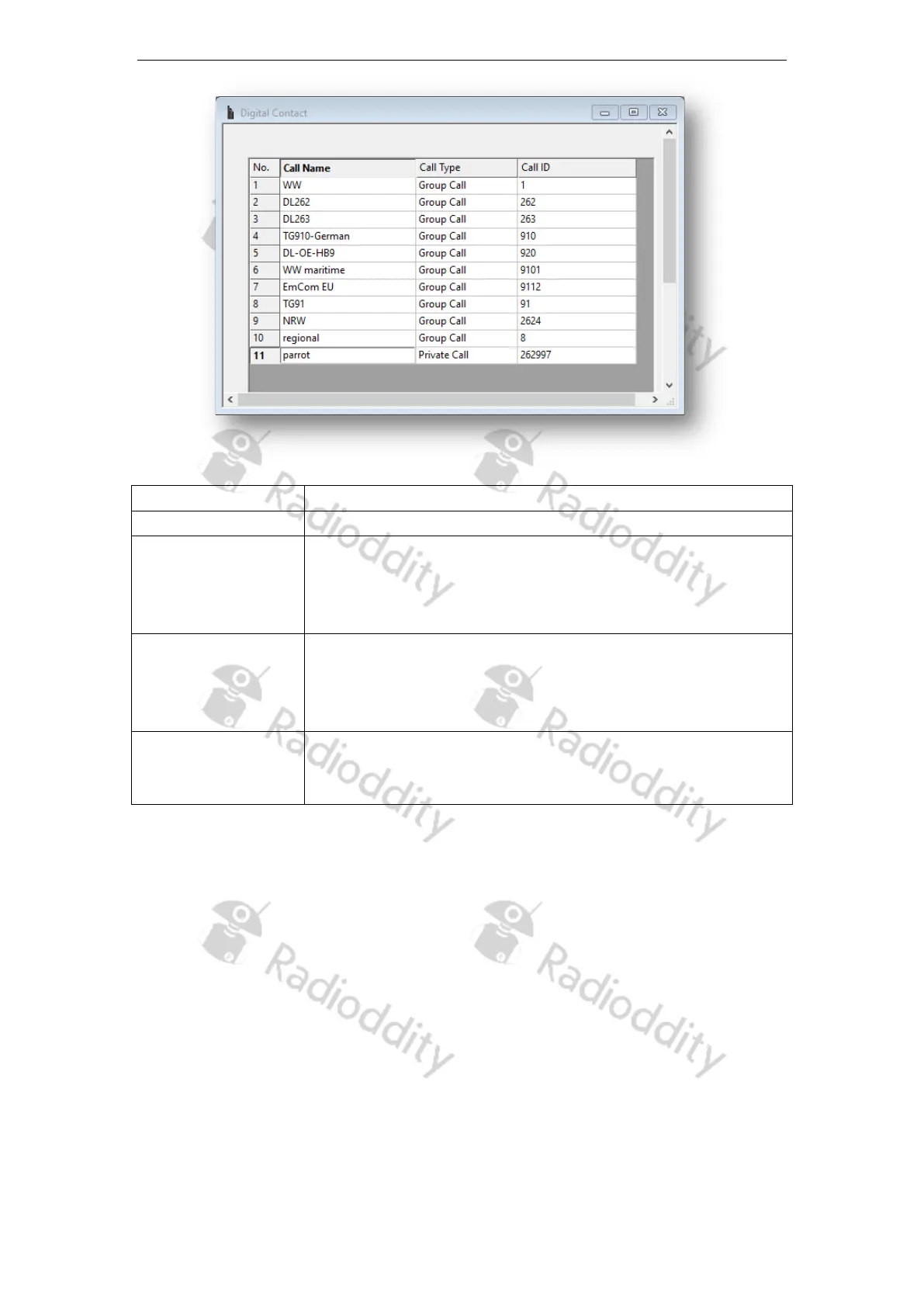
Entry in the list of digital contacts (up to 1024 entries)
Display name of the contact
You can choose between the following call types:
• Group Call
• Private Call
•
ID for an individual / private digital call or a talkgroup (TG).
This ID is for identification and communication with a
destination radio (DMR-
ID) or a group of radios (TG)
depending on the call type.
A warning tone will sound on the receiving radio before it
mutes during a Group Call, Private
feature is set on a call basis.
4c Setup Digital RX Groups
Each digital channel can receive one or many talkgroups. The actual talkgroups that
are able to be heard are defined in a Digital RX Group and attached to the channel.
Creating a digital RX group allows you to group your digital Talkgroups (TG) into
logical groups so they can be targeted later on within the channel settings.
• Up to 250 individual Digital RX groups can be created and named to identify
each group
• Each group can contain as few or as many contacts as you like.
• Groups should be named with something meaningful to the user
• Only contacts that are stored as group calls can be added to a group.
Page 15 of 23










 To Next Page