Getting ‘on air’ with your Radioddity GD-73 v1.0
3. Installation of the USB driver
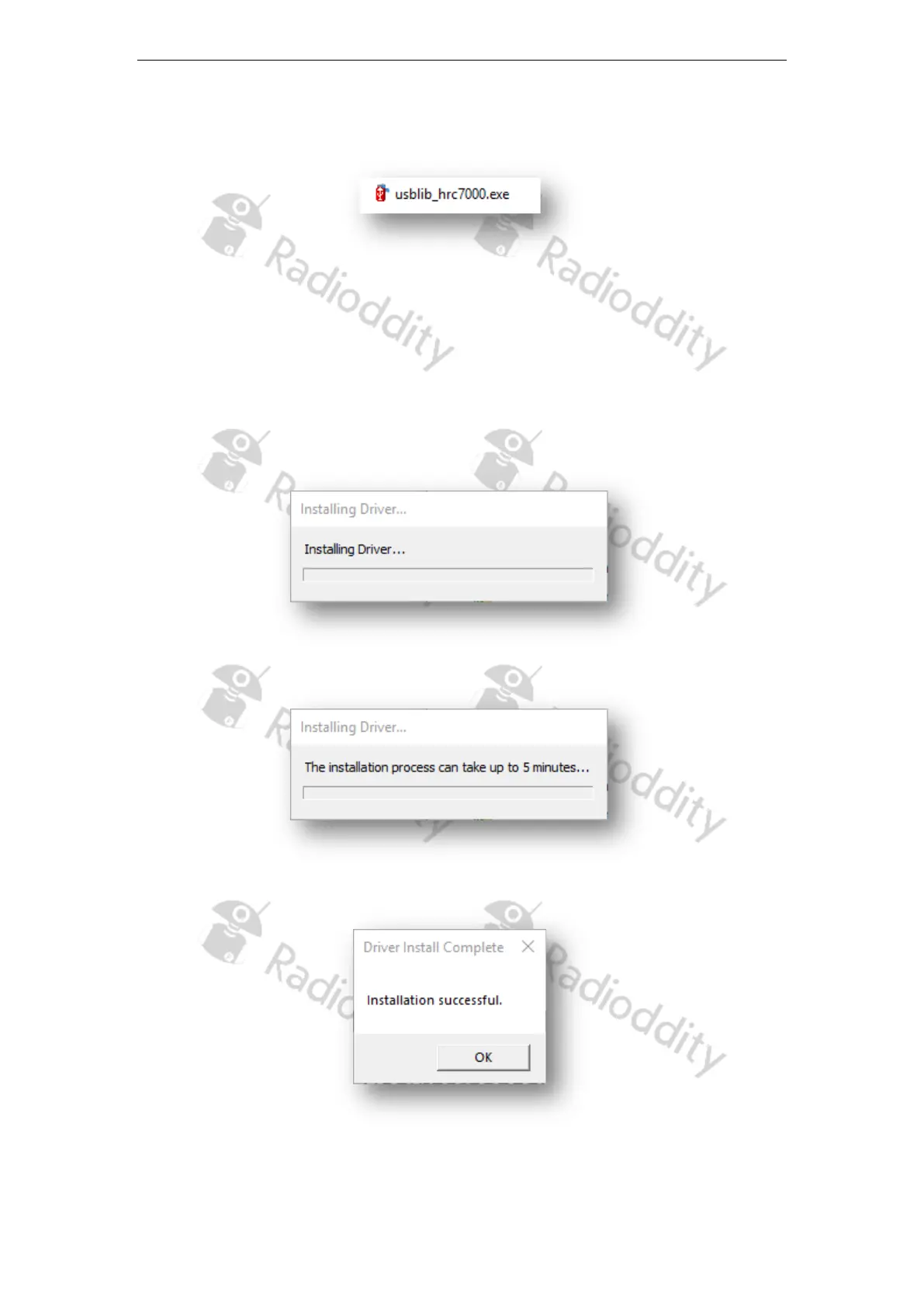
1. Locate the file ‘usblib_hrc7000.exe’ in the software package.
2. Run this program as an Administrator
3. If possible, do not save the generated .inf driver on the desktop, but place a
different directory of your boot drive.
4. The driver is then automatically installed
5. Wait until the installation is complete
6. Once driver installation is complete you will see a message indicating success
Page 8 of 23










 To Next Page