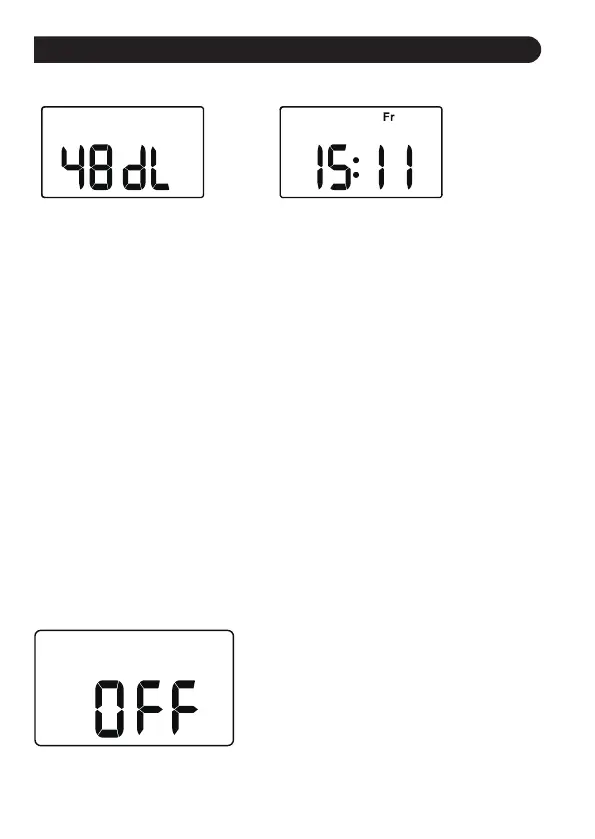
OFF MODE
PRODUCT FEATURES
RAIN DELAY WATERING
Rain delay allows you to postpone watering for a set period of time,
and it will not interrupt your original schedule.
To access the rain delay, follow the steps below.
Rain delay time Current time
1. Turn the dial to "ON".
2. Press and hold the "DELAY" button for 3-5s to sta the delay
watering function.
3. Press the "+" button to select delay time from 24H, 48H, and
72H(default 24 hours).
4. Press the "OK" button to run the delay function after selecting the
delay time, and all watering plans will be skipped during this period.
5. To remove rain delay, please trun the dial to "ON" and hold the
"DELAY" button for 3-5s again to resume your programmed watering
schedule.
Note:
Please remember to press the "OK" button after selecting the rain delay
time to sta the rain delay program. Otherwise, the rain delay setting
will automatically exit after the screen ashes for 3-5s
1. If you wish to stop all 3 watering plans
for an extended period, turn the dial to
"OFF". (Your settings will be saved)
2. The timer will not run automatically
while in OFF mode. (The screen will
display OFF )
3. To sta watering again, turn the dial
back to "ON" to resume your
programmed watering schedule.
- 15 -



 To Next Page