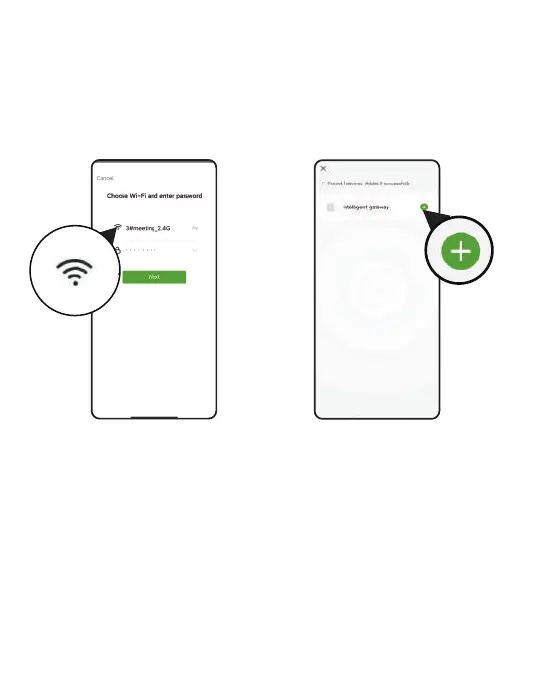
5. Select 2.4Ghz WiFi, and enter the password
Tips: If your router is a dual-band router, and you cannot identify the
2.4Ghz or 5Ghz WiFi, please tap the blue words Common router setting
method to name the 2.4Ghz WiFi dierently, then you can select it
individually.
If you encounter problems during the connection process, please search
@RainPoint on Youtube to watch the operation video, or contact us at
seice@rainpointus.com.
- 04 -



 To Next Page