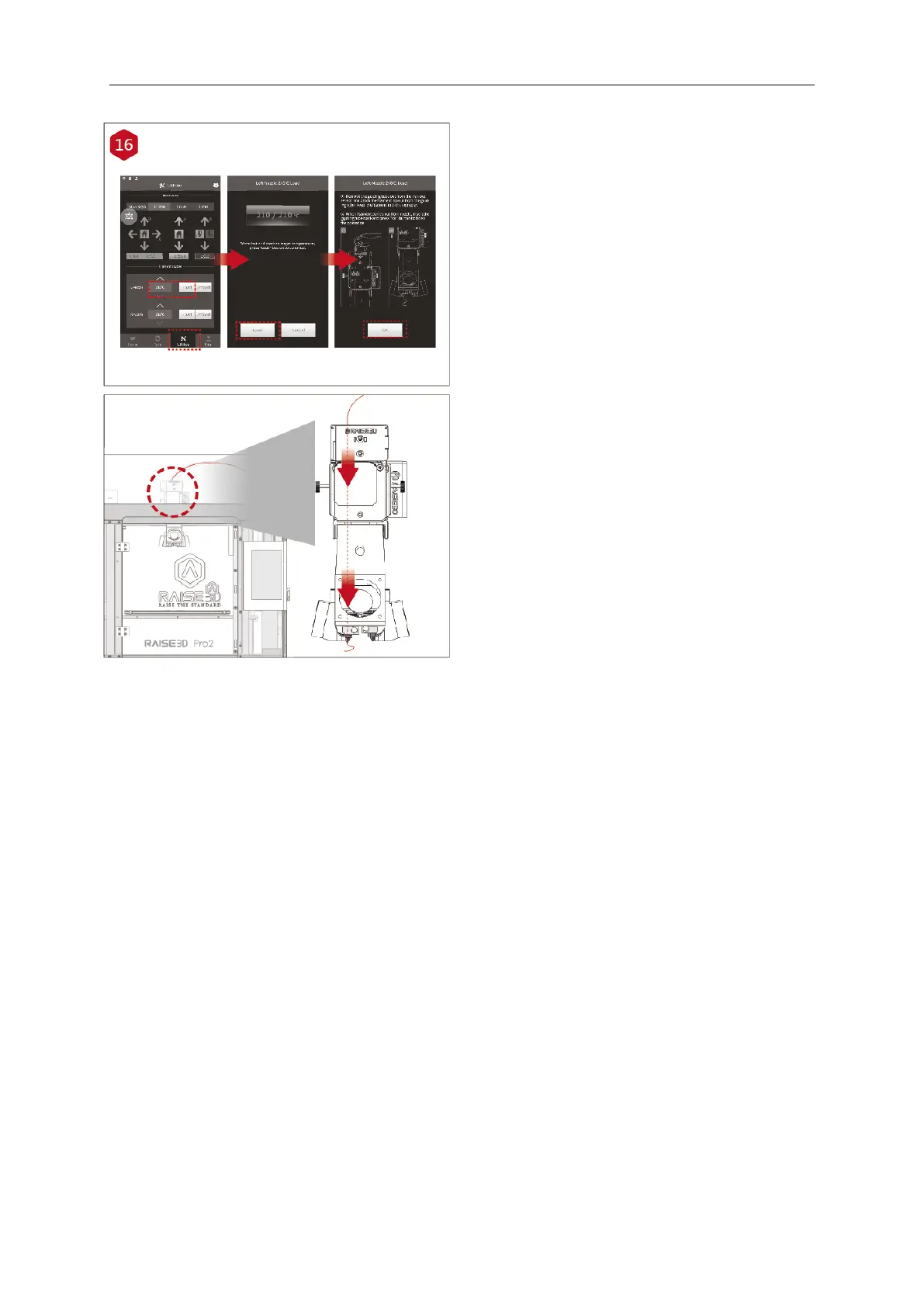
Press the “Utilities” tab on the screen and set the
temperature of the left nozzle for the filament that
you're using.
Press the “Load” button and the printer will begin to
heat. When the target temperature is reached, press
"Load". Complete the feeding operation according to
the instructions on the screen.



 To Next Page