3D PRINTER MANUAL- RAISE3D PRO2 SERIES
- 25-
www.raise3d.com
Firmware upgrade
Download the latest version of the Raise Touch and motion controller board firmware from
raise3d.com/pages/download. Save the Raise Touch and Motion Controller Board Firmware files
inside the root directory of the USB drive included with your printer.
Power off the printer and insert the USB drive into one of the available ports on the side of the
touchscreen.
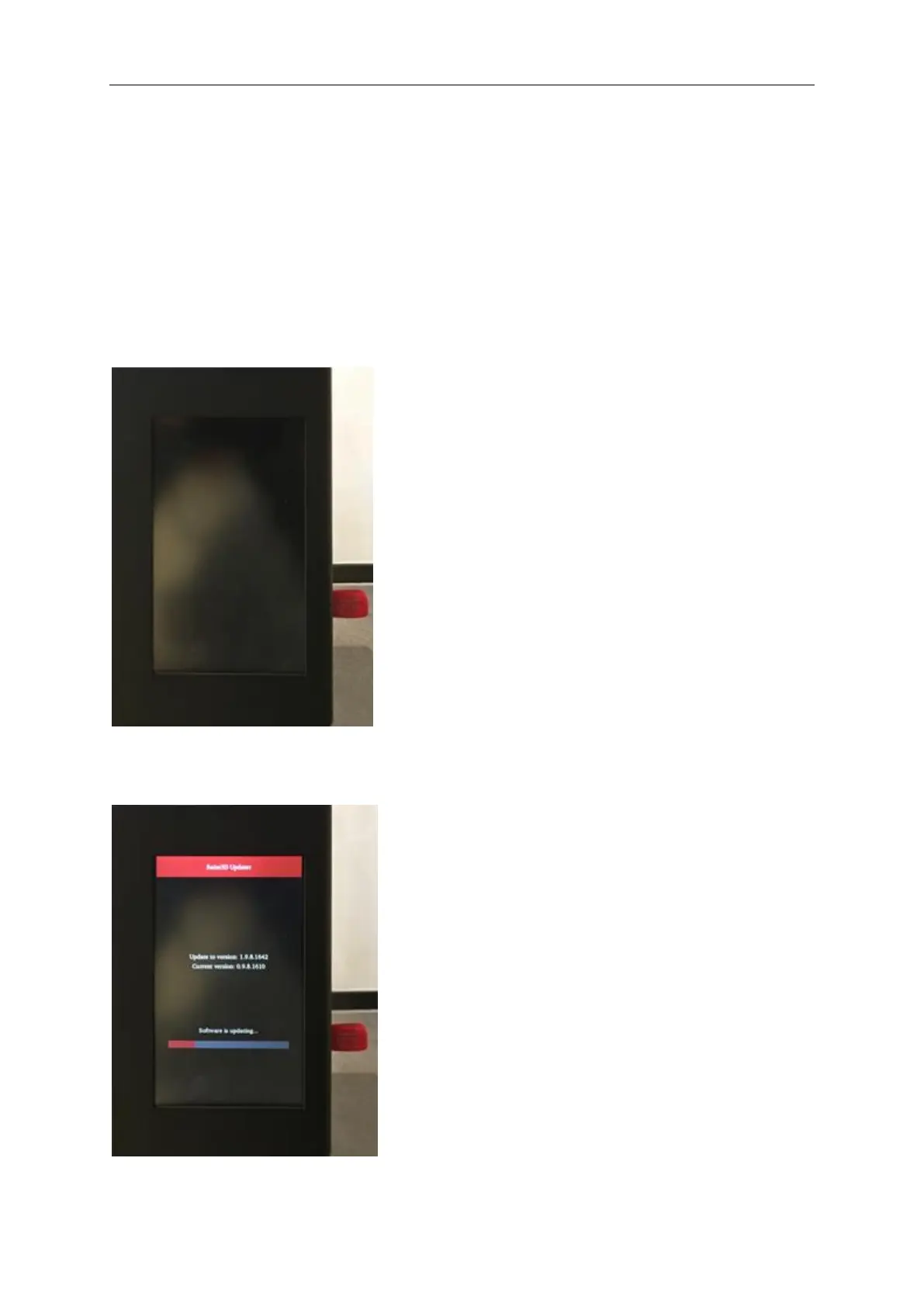
Power on. The Raise Touch Firmware will be automatically detected and start on boot up. Follow the
on screen instructions to complete the installation.



 To Next Page