V4.1.0R
22
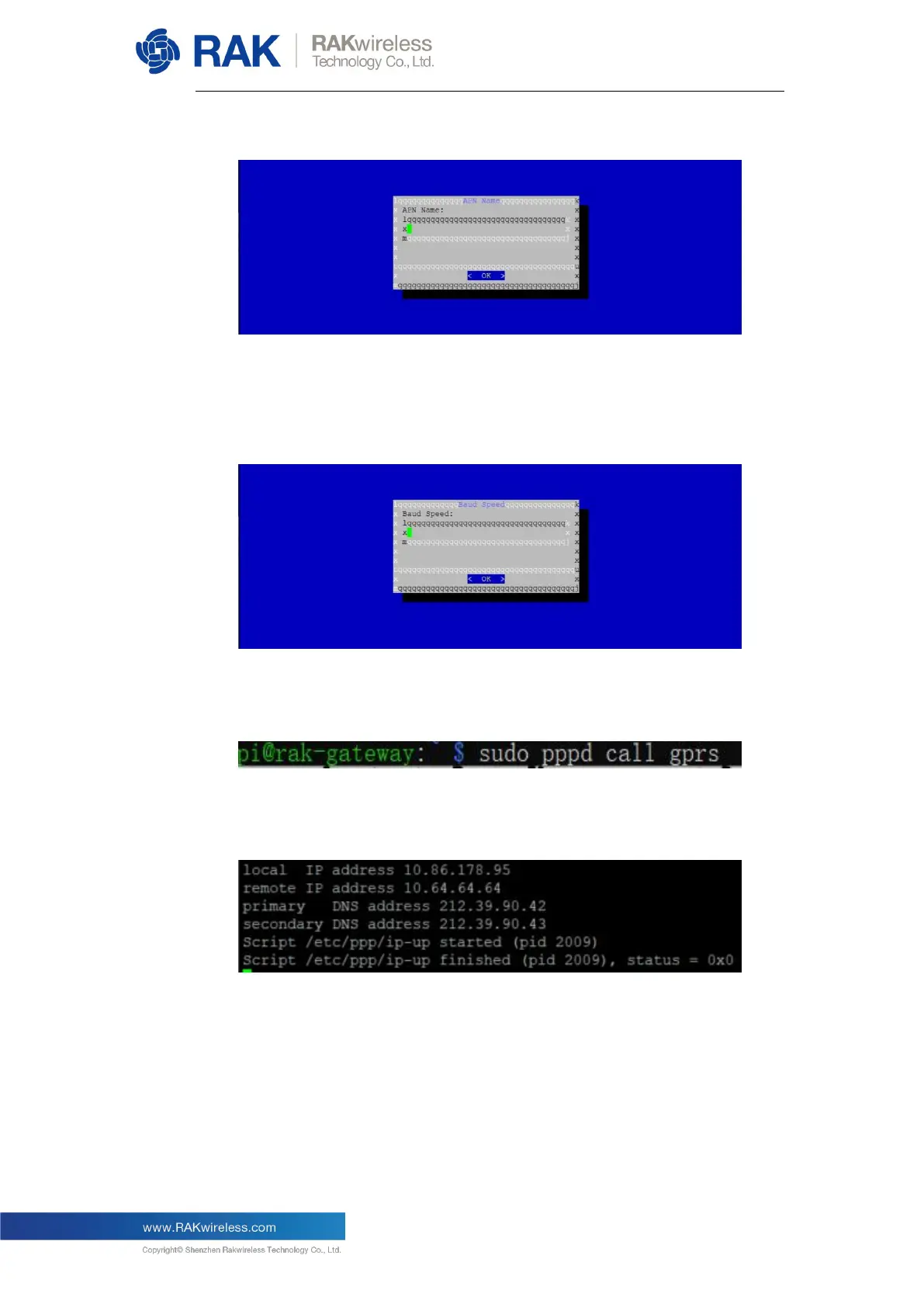
You will be sent to the following screen:
You can leave it as it is by default, just remember that if you choose to modify
it you should use a real and valid APN name.
Lastly, set the baud rate, the default value is 115200:
This finishes the LTE network configuration portion. Now let us test the
connection. Execute the command “sudo pppd call gprs”:
There will be a long log, most importantly however, you should see the
following information at the end (this is again for the EU example):
You have been assigned an IP address (local and remote) as well as DNS
addresses. If you have this information as per the image, your connection
has been established.



 To Next Page