V4.1.0R
26
Router:
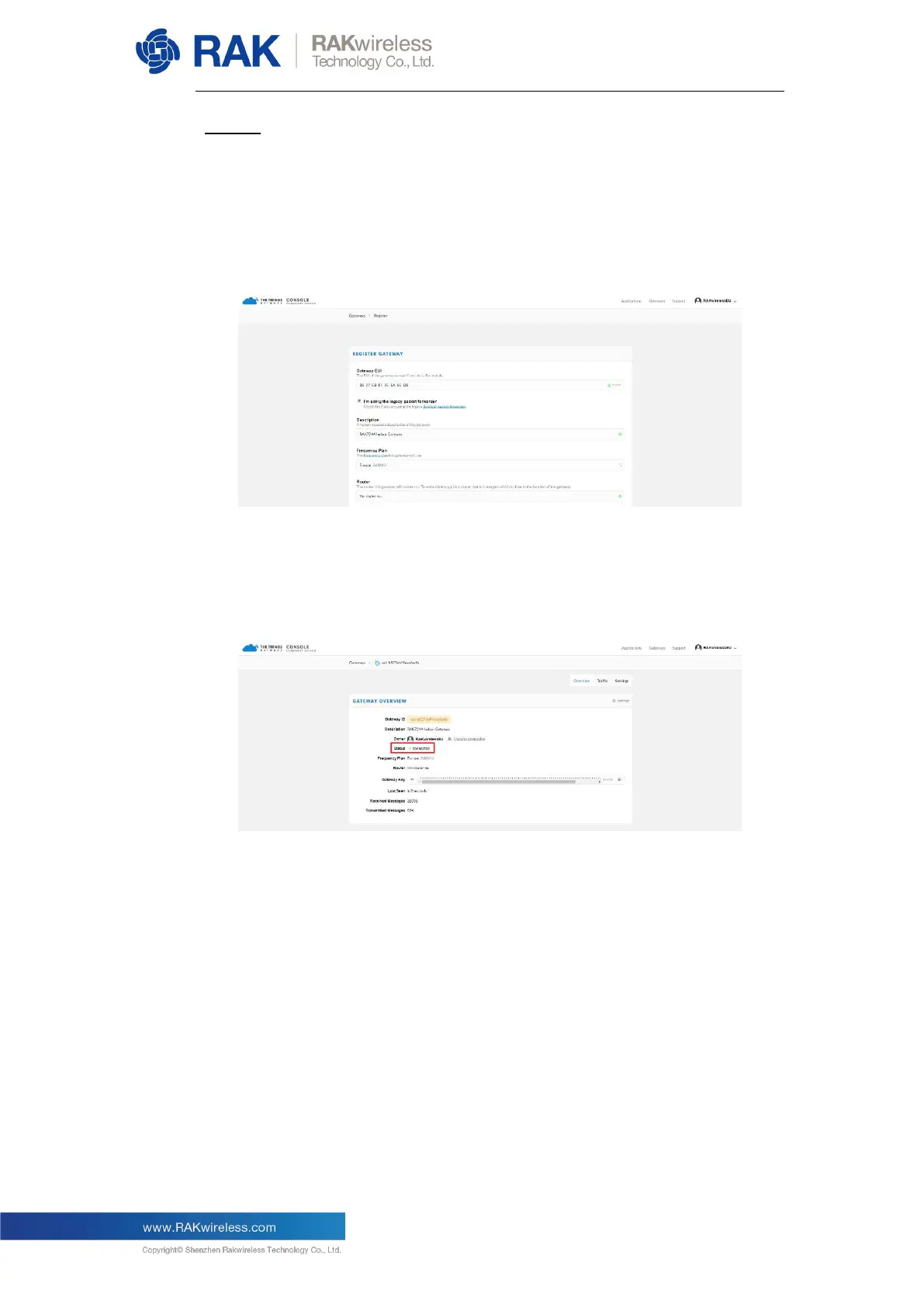
This will be automatically populated once you select the Frequency Plan.
The rest of the fields (Location and Antenna Placement are optional).
You should end up with something like the configuration in the following
image:
Finalize by clicking on the “Register Gateway” button. If the process was
successful you will be redirected to the overview page where you should be
able to see your Gateway status as “connected”. If it is indeed so, your
Gateway is connected to TTN and is ready to forward data.


 To Next Page