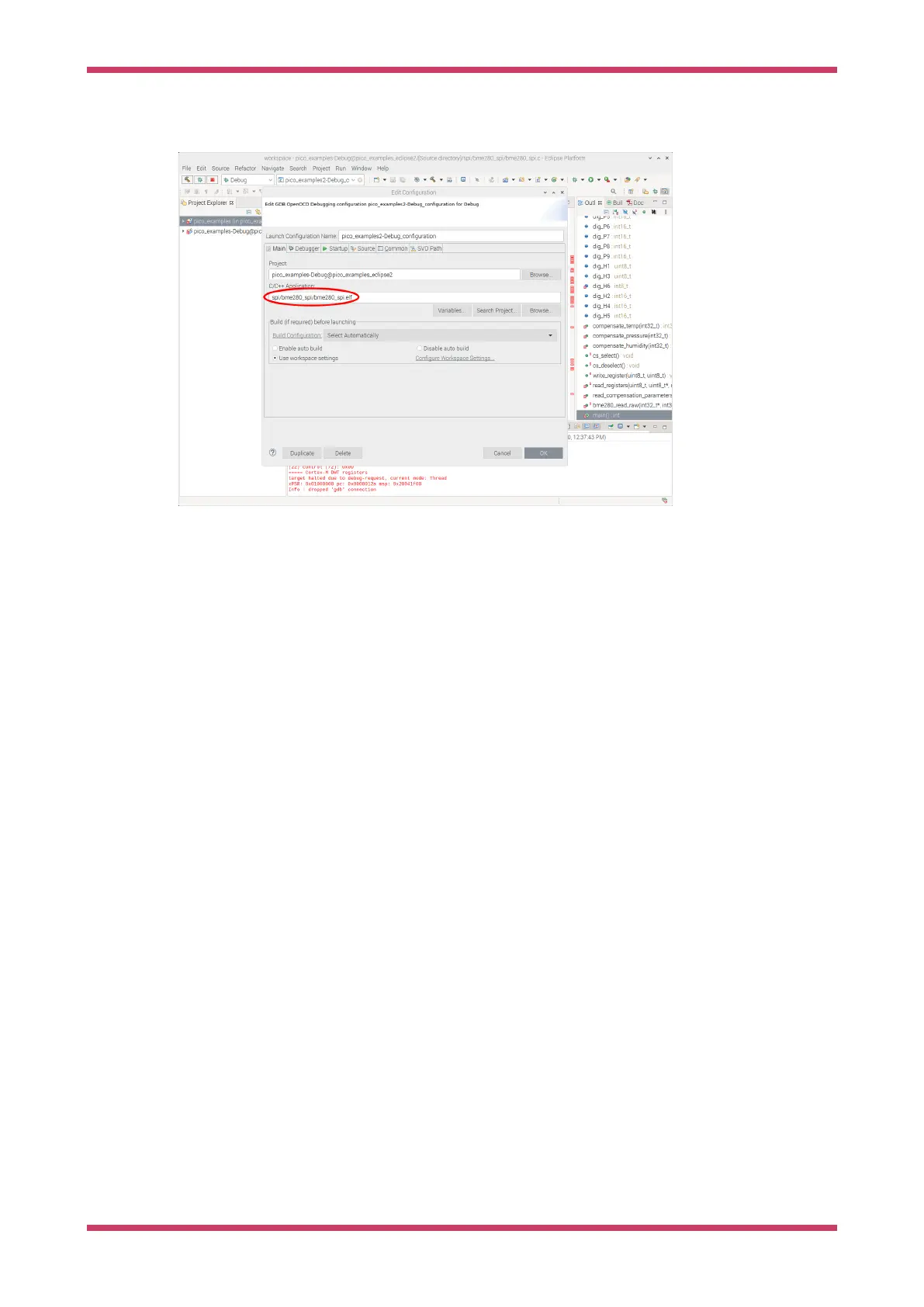
…/pico-examples-eclipse/blink/blink.elf
Figure 16. Setting the
executable to debug in
Eclipse.
Setting up the debugger
Let’s set up OpenOCD to talk to the Raspberry Pi microcontroller.
Set openocd in the boxes labelled Executable and Actual Executable. We also need to set up OpenOCD to use the Pico
specific configuration, so in the Config options sections add the following. You will need to change the path to point to
the location where the Pico version of OpenOCD is installed.
-f interface/raspberrypi-swd.cfg -f target/rp2040.cfg
Replace rp2040.cfg with rp2350.cfg if you are using a RP2350-based device.
All other OpenOCD settings should be set to the default values.
The actual debugger used is GDB. This talks to the OpenOCD debugger for the actual communications with the
Raspberry Pi microcontroller, but provides a standard interface to the IDE.
The particular version of GDB used is gdb-multiarch, so enter this in the fields labelled Executable Name and Actual
Executable.
Getting started with Raspberry Pi Pico-series
Use Eclipse 45



 To Next Page