EN
Page 30 of 91
INSTRUCTION, USE AND
MAINTENANCE MANUAL
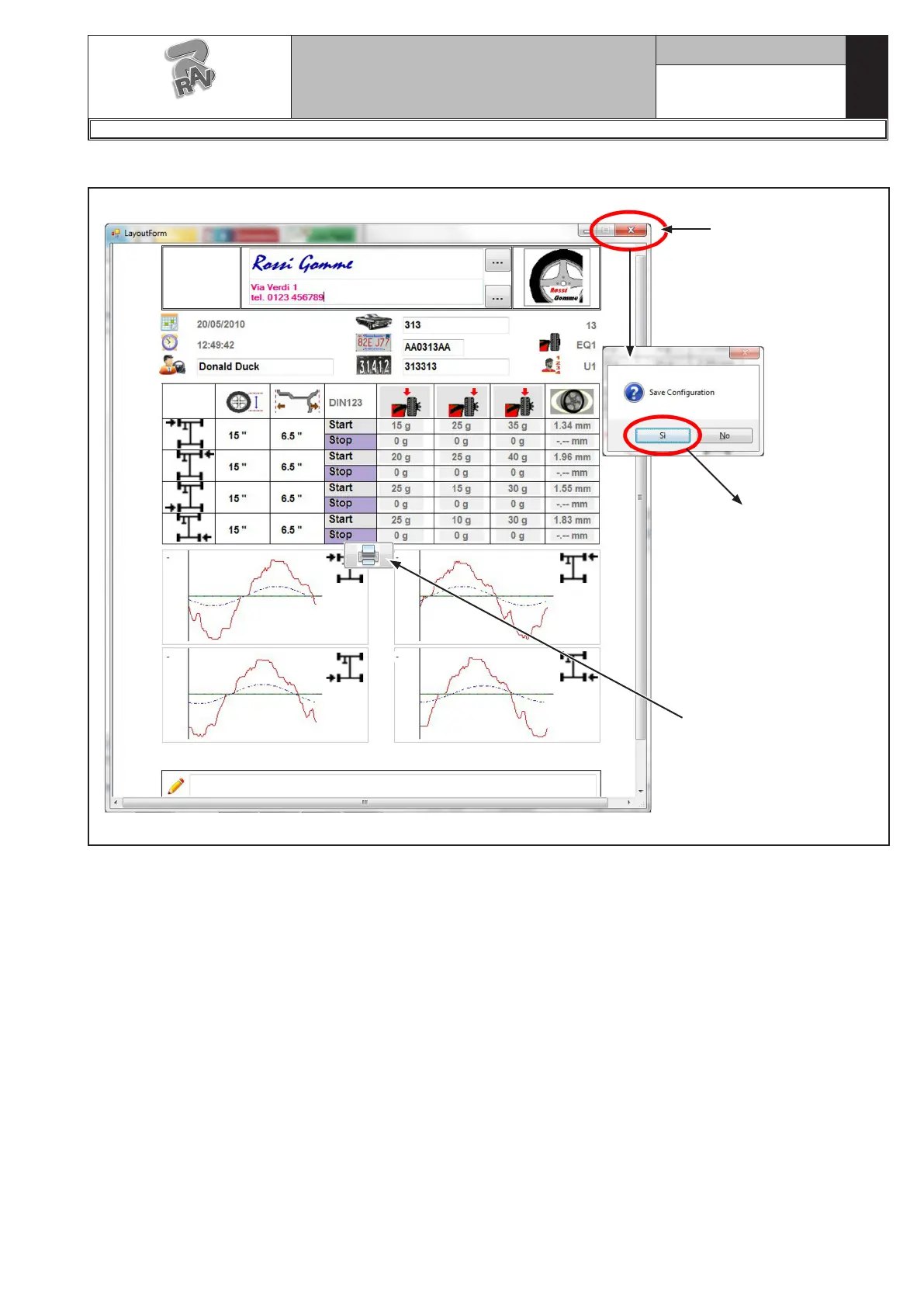
Once it is configured, the Layout could appear in this way:
At the end close the
configuration page
and save it.
From now on
all the following
prints will appear
with saved header.
If necessary, before sav-
ing, it is possible to run
one or more test prints
through the Print button.
G3.150 - GP3.150 - G3.150S - GP3.150S - G3.150WS - GP3.150WS - G3.150WSPLUS - GP3.150WSPLUS - G3.150SA - G3.150WSA
RAVAGLIOLI S.p.A.
1297-M058-00



 To Next Page