RAY User Guide Getting Started with RAY
19
6 When RAY says the preferred Contact name, lift your finger off the screen to
select it. RAY will then initiate a telephone call to the selected person and says
the name of the person that you are calling.
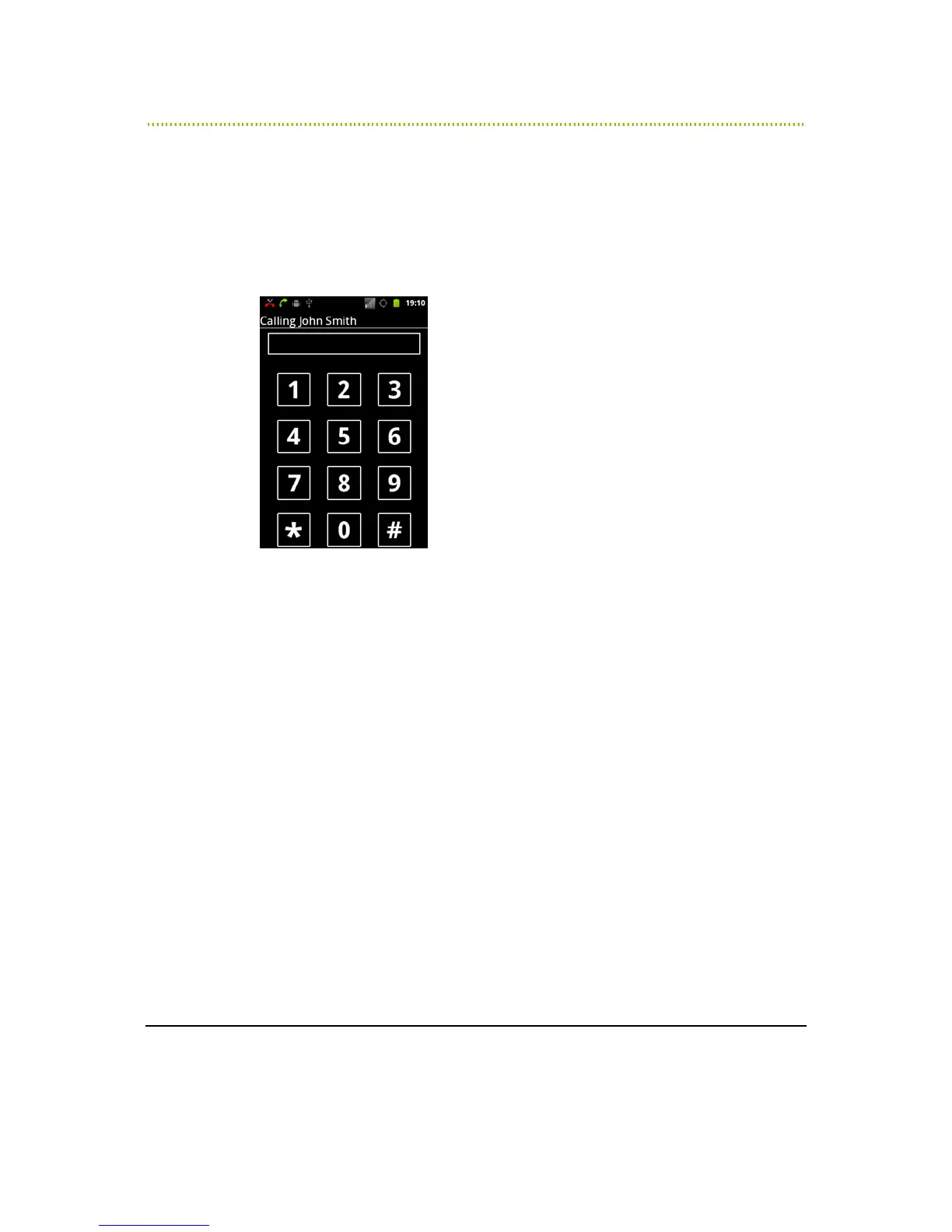
If the call is answered, a standard 12-key numeric keypad appears, as shown
below. This keypad stays open during the entire call.
Figure 7 RAY Numeric Keypad
During the call, you can use the keypad to enter DTMF digits, if needed, as
described in the
Entering a Number
section below.
7 During a call, you can perform the following:
To terminate the call, short press the ON/OFF button.
To toggle the speakerphone on and off, swipe your finger from the middle
of the screen downwards.



 To Next Page