RAY User Guide Getting Started with RAY
18
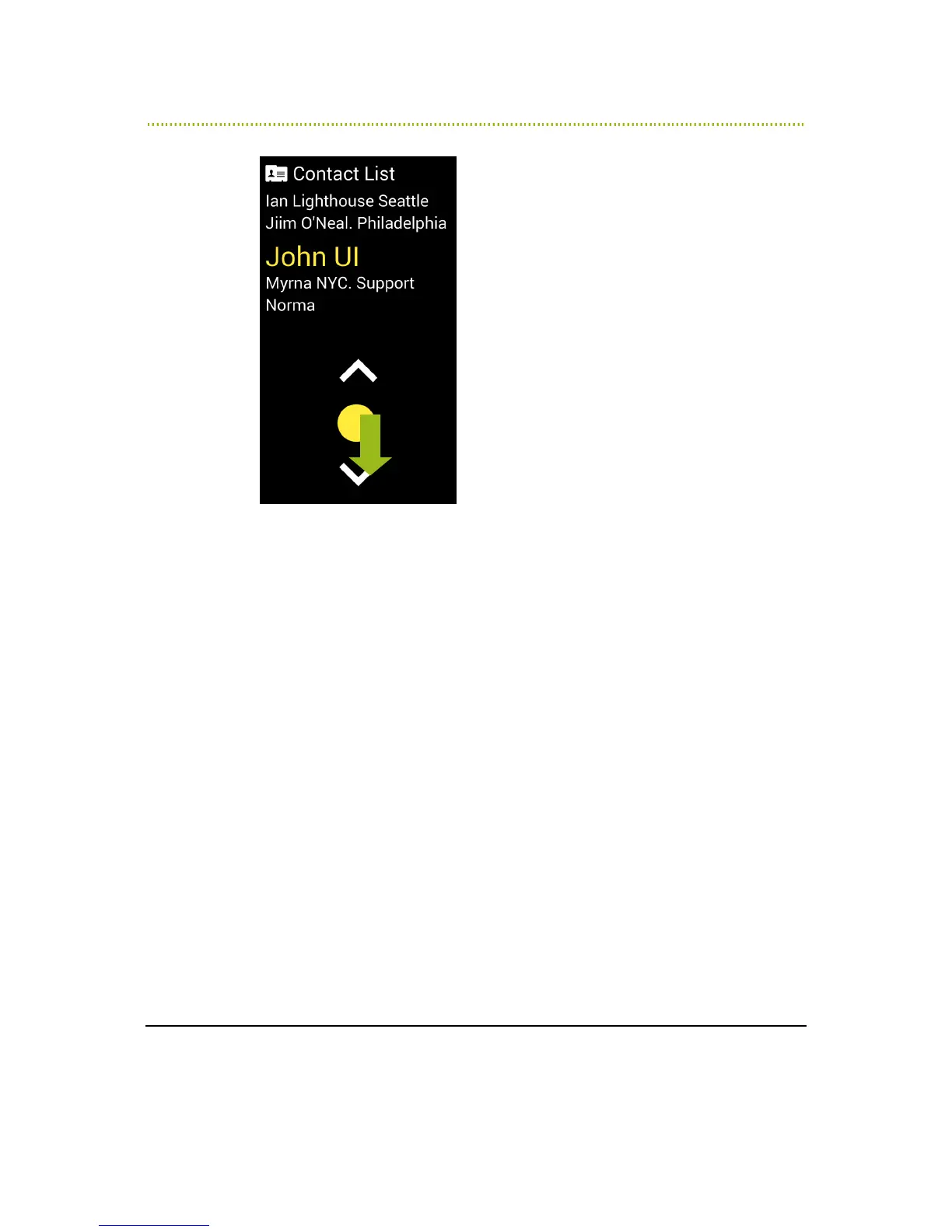
Figure 6: Selecting a Contact
RAY says Contacts List and says how many items are in the list.
5 Place you finger on the imaginary number 5. RAY then reads out the name of
the selected Contact.
You can also slide your finger slightly downwards towards the number 8 until
you hear a bell sound. Then, stop moving your finger and leave it on the
screen.
Listen while RAY reads out the names in the Contacts List one after another.
On a new device, the Contacts List only has a single Contact.
Items in a list are arranged in a circular manner. Therefore, for example, after
the last option is read out, the first option is read out, then the second option
and so on.



 To Next Page