RAY User Guide Getting Started with RAY
17
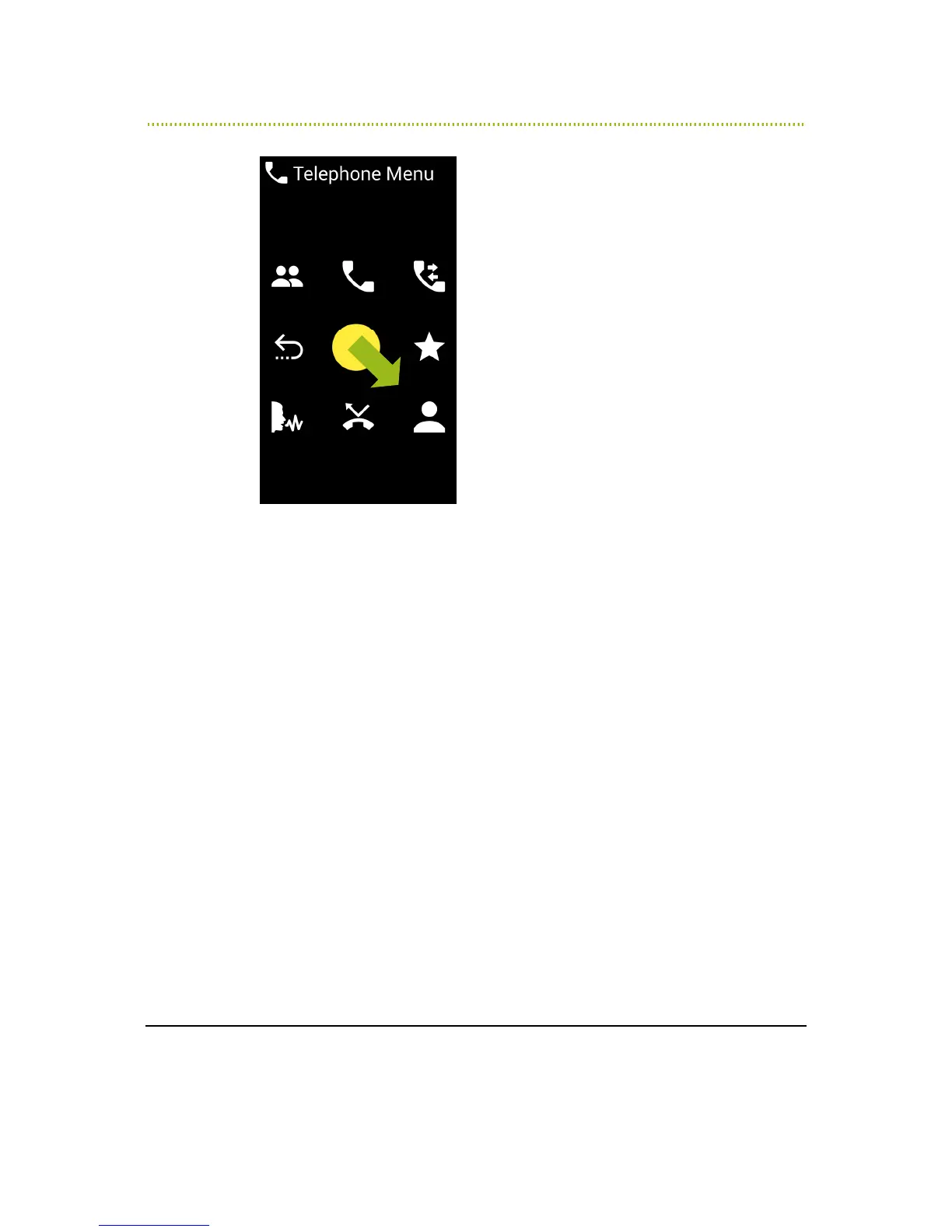
Figure 5: Telephone Menu – Selecting the Contact List
Place your finger in the middle of the screen again on the imaginary number 5,
and slide it in the direction of the number 9 (diagonally downwards and to the
right). When RAY says “Call Contacts”, lift your finger off the screen:



 To Next Page