Image Button Description
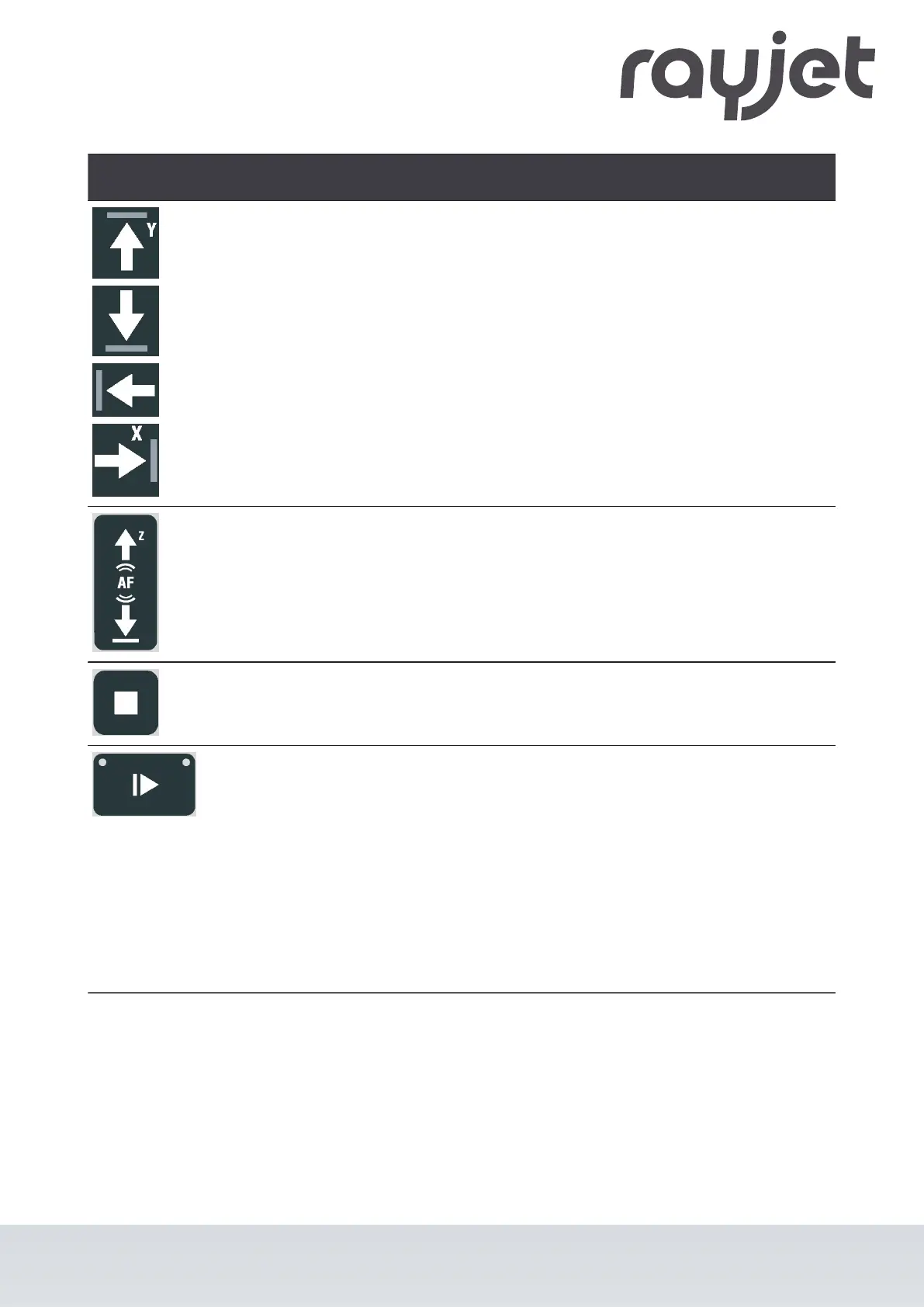
Laser head control button X/
Y
•
Press one of these buttons to manually move the laser
head to the right, left, front or back (travel distance in
X/Y-direction).
•
Press two of the for Laser head control buttons X/Y
simultaneously in diagonal direction to move the laser
in diagonal direction (X+/Y+, X+/Y-, X-/Y-, X-/Y+).
•
Press the Shift-button together with one any desired
Laser head control button X/Y to move the laser head
quickly to the corresponding end position.
Working table control button
Z
Table moves up or down.
Stop-button
•
Press this button to stop the current working process.
Start/Pause/Repeat-button Start:
•
Press this button to start a job. The job has to be on
the plate in JobControl®.
Pause:
•
Press this button to pause the job (LED On) which is
currently being processed. Press this button again to
continue the job (LED Off).
Repeat:
•
Press this button after a job was finished to repeat the
actual job.
ENGLISH (Translation)
07/2021
53 / 83



 To Next Page