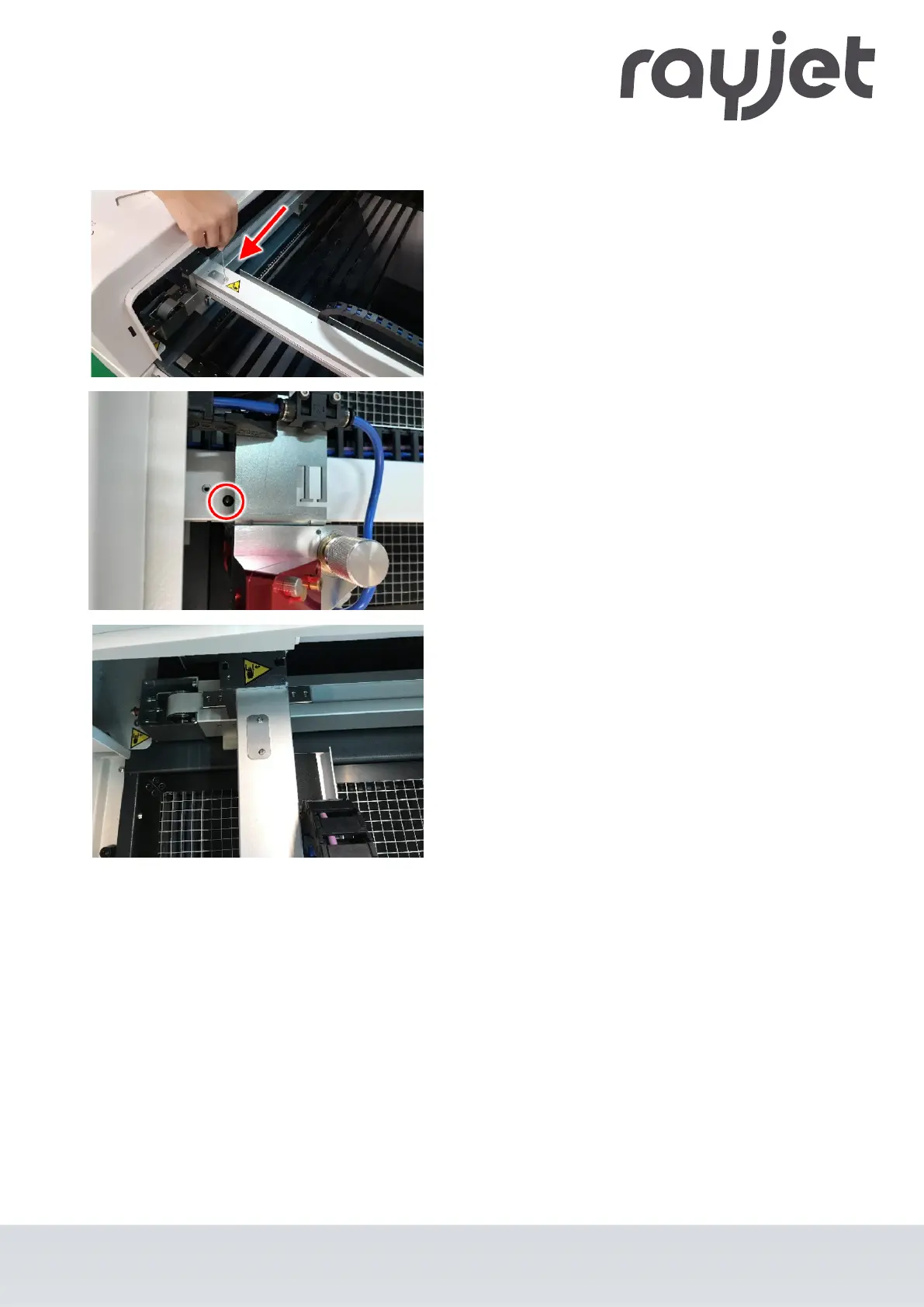
Position 2 of 3: Lubricate x-axis
•
Carefully remove the cover plate with an Allen key
(SW 2 mm).
•
Slide the working head to the left until the
lubrication nipple and hole are concentric.
•
Press two pump strokes of the grease gun into the
lubrication nipple.
•
If required: Remove excess grease with paper
towel.
•
Move the working head slightly to the side.
•
Replace the cover plate.
ENGLISH
ENGLISH
67 / 81



 To Next Page