V1.0 RayTools AG © Copyright
www.raytools.ch
4
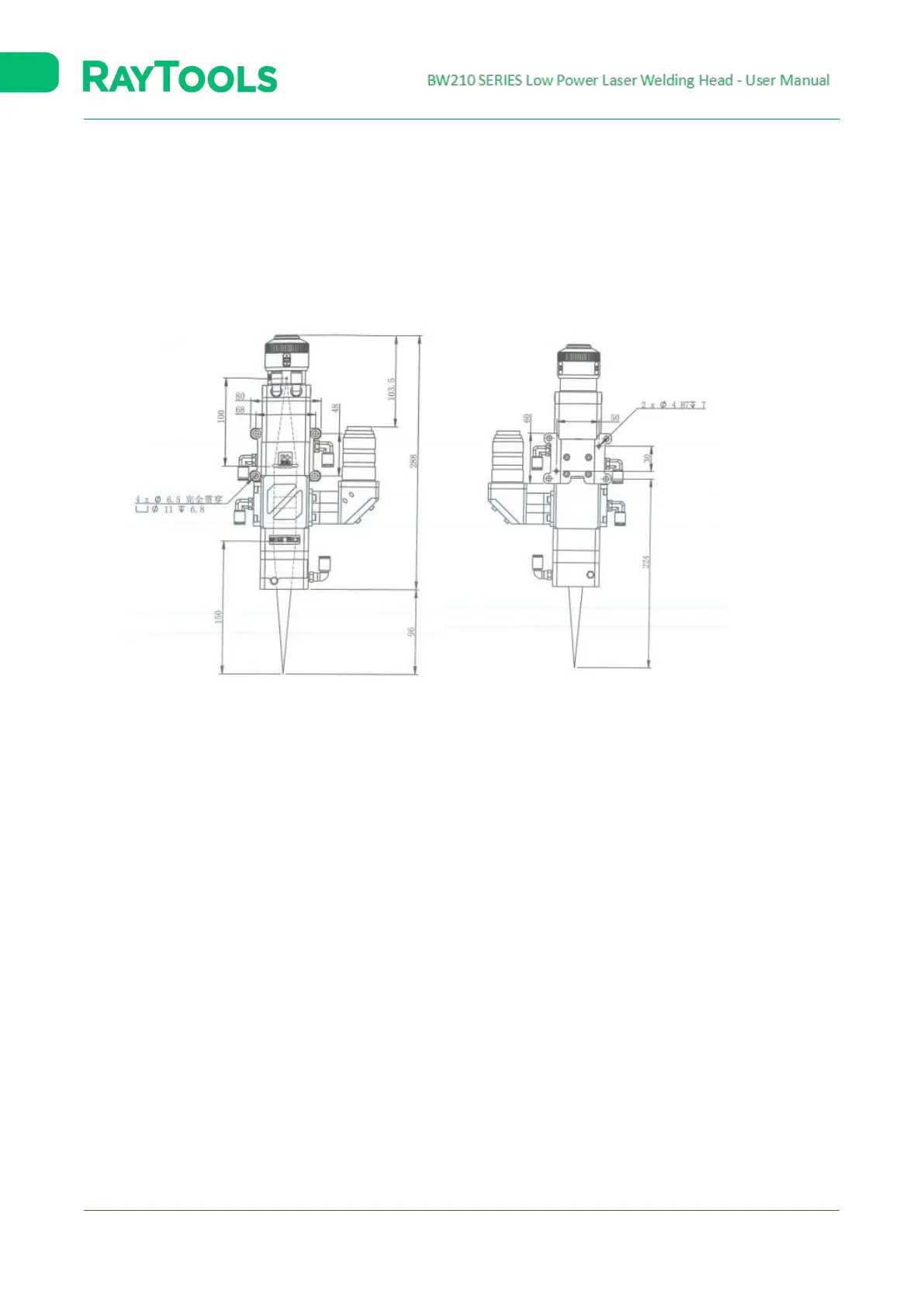
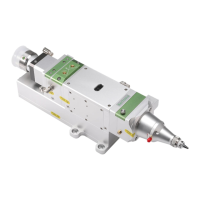
2.2 Mounting Holes
Fasten BW210 to the machine tool by installing a mounting plate. The size and site of holes on the plate are shown
below.
Suggestion: For a stable welding effect, please Install the laser head perpendicular to the processing surface, and ensure
that the laser head is locked, with no shaking while processing.
Mounting Holes Diagram
100:150 as an example – with CCD Interface



 To Next Page