Tech Note 1
CncGcoder® HD Manual
24
Tech Note 1: CncGcoder
®
HD to Computer File Transfer
Due to the change from Palm™ OS to the Windows
®
CE OS, different options are available
for transferring files to the computer. This change was prompted by the needs of the
customers and provides the following benefits.
¾ G-Code programs are saved as standard PC files.
¾ NO file conversion software is needed on the computer or the handheld
¾ An unlimited number of SD memory cards can be used which translates to unlimited
storage.
¾ Current program file structures and directories can be transferred directly to the
handheld.
¾ NO limitations on program management.
Recommended Setups
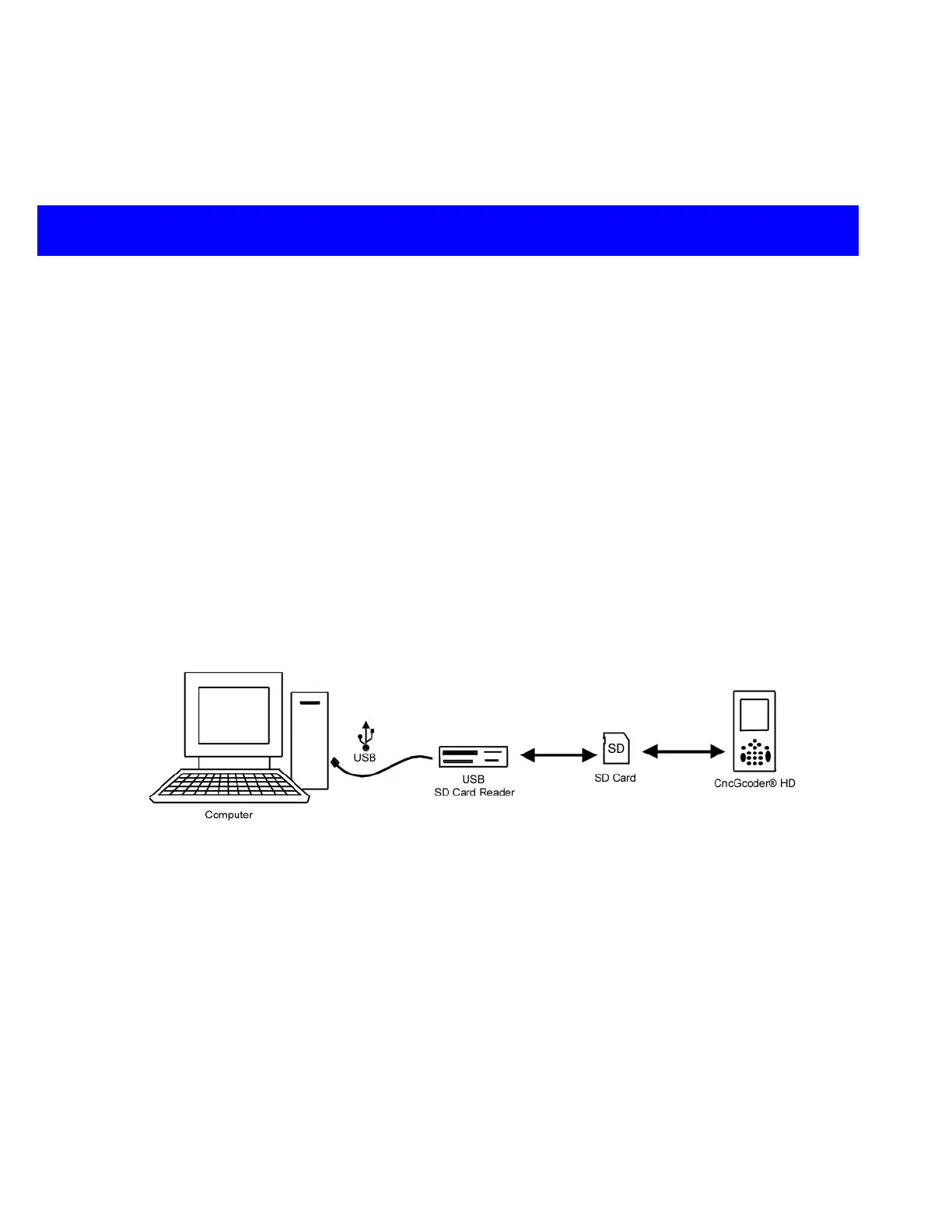
Option A: Transfer from Newer Computer using SD Card
SD Card Reader and SD Card
supplied by customer
NOTE: Windows 98 may need
a driver installed.
USB Port Required
Required Desktop OS: Windows 98, Windows 2000,
Windows ME, Windows XP, Mac OS 9, Mac OS X
¾ Save G-Code programs to an SD memory card.
¾ Insert the SD card into the CncGcoder
®
HD to view files on the handheld
¾ Insert the SD Card into an SD Card reader to view files on the computer


 To Next Page