Setting Up
CncGcoder® HD Manual
6
Charging the Battery
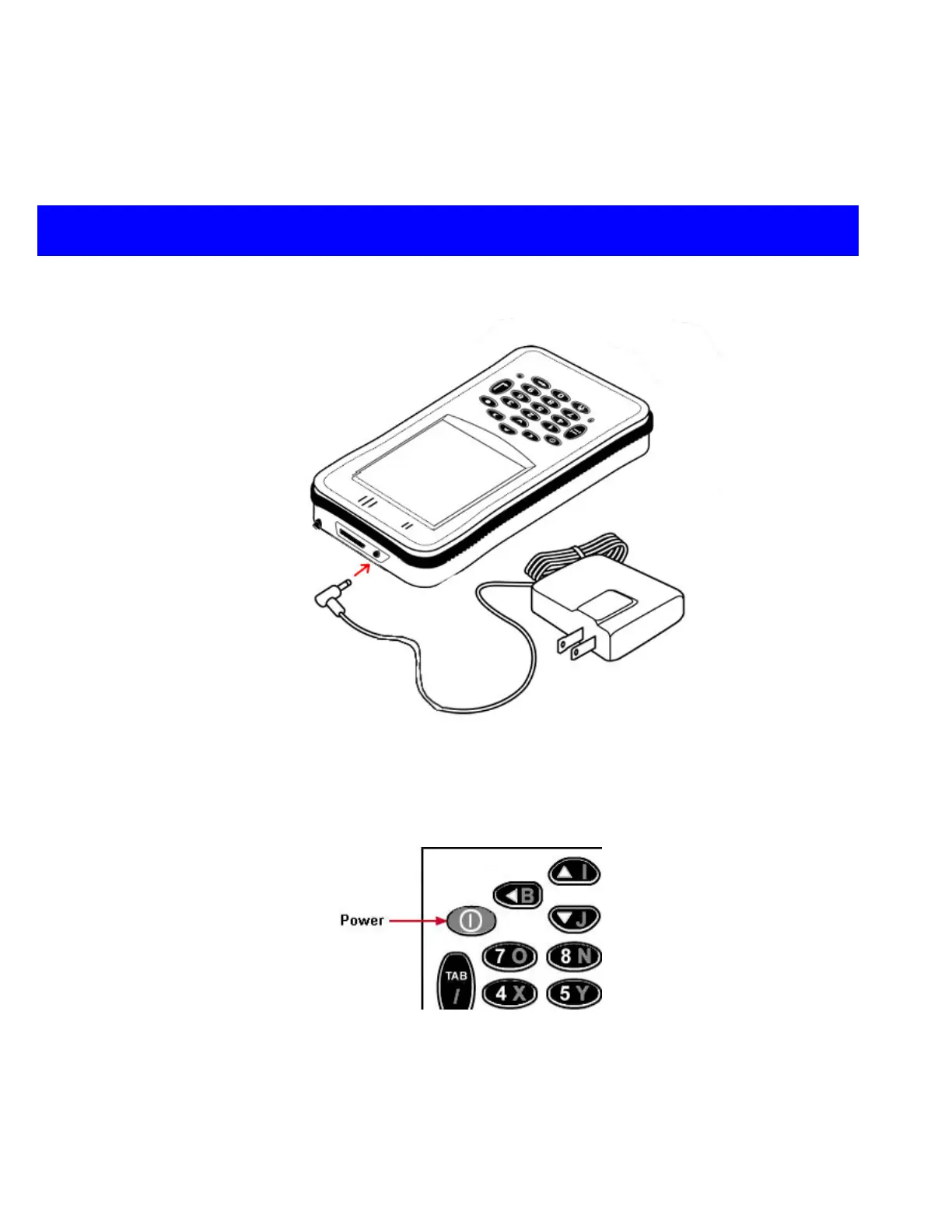
Connect the AC power adapter to the DC jack located on the top of the unit. When
connected to the AC power adapter, the battery will recharge in four hours. The LED will
flash orange while the battery is charging.
Turning On and Off
Press the Power key to turn the unit on and off. When the Power key is pressed to turn the
unit off, the unit actually enters Suspend mode. In Suspend mode, the unit continues to
supply power to all memory, but turns off power to most hardware. This feature is designed
to prolong battery life. When the Power key is pressed to turn the unit back on, the unit exits
Suspend mode.


 To Next Page