Quick Guide to Your TV
Startup
The steps belowwill get your TV connected and ready for watching.
Far more details, see the page numbers listed.
1. Hook up your TV
Details are in the
Connections Guide.
Hook up any antennas, cables or
other equipment to your TV before
you follow the steps below.
2. Plug in the TV
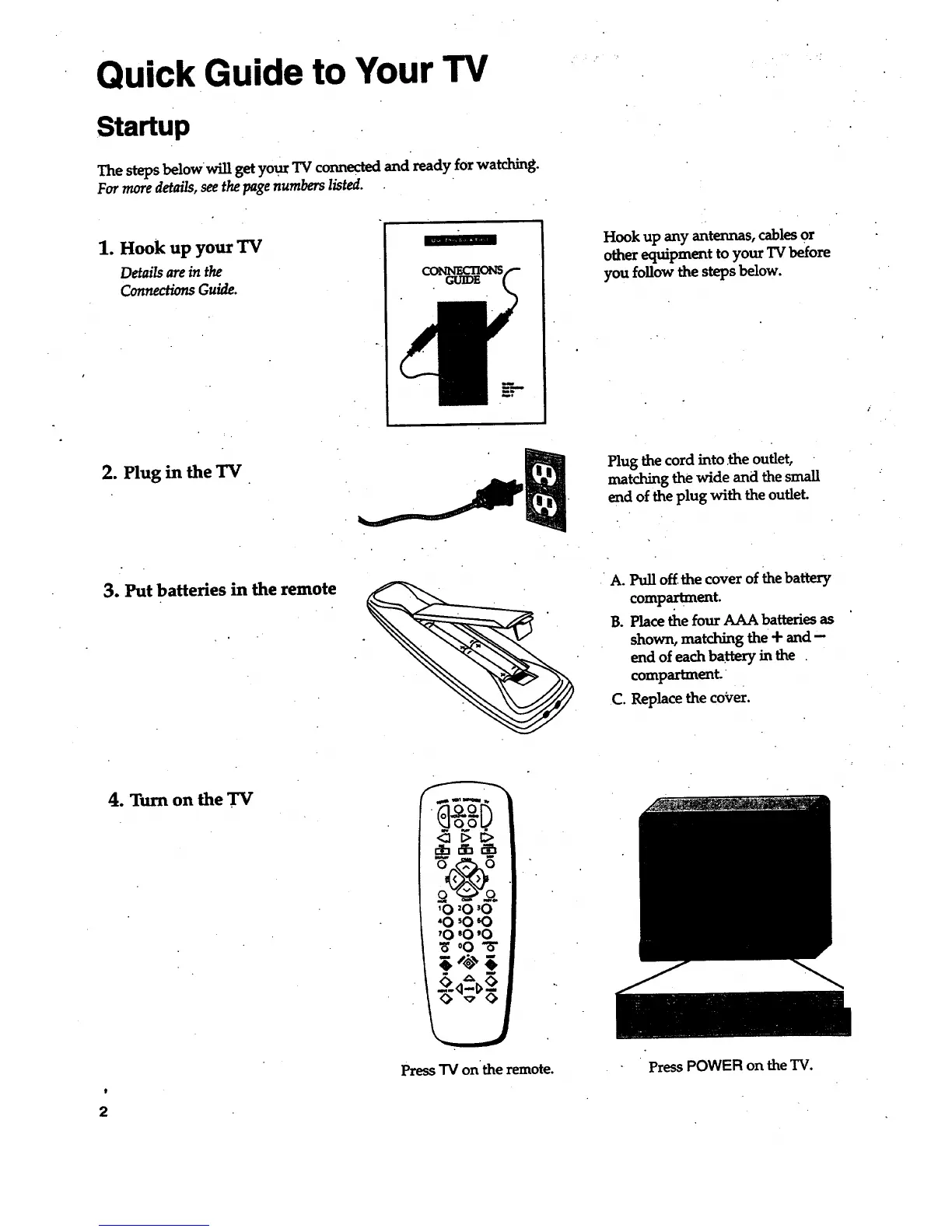
Plug the cord into .the outlet,
matching the wide and the small
end of the plug with the outlet.
3. Put batteries in the remote
.
A. Pull off the cover of the battery
compartment.
B. Place the four AAA batteries as
shown, matching the + and-
end of each battery in the
compartment.
C. Replace the cover.
)
2
4. Turn on the TV
'0 '0 '0
"0 sO60
'0 '0 '0
o0"8"
Press "IV on the remote. Press POWER on the TV.



 To Next Page