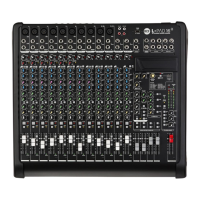
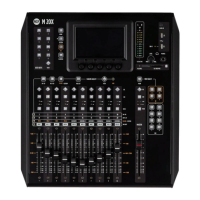
M 20X Digital Mixer Reference Guide
3. Insert your USB stick into the M 20 USB port A
4. From the list box in the right side of the page select the backup package that you want load on your mixer and
then press RESTORE button. A message box will appear:
5. If you want to proceed, click on “OK”
6. The restore procedure has been completed

 To Next Page
 Loading...