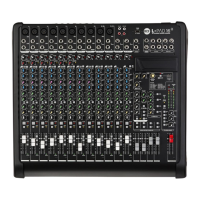
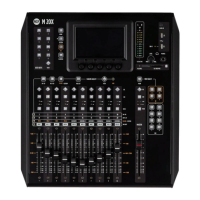
M 20X Digital Mixer Reference Guide
The GATE parameters assigned to the Encoders are:
PARAMETRIC EQ
All inputs are equipped with a 4-band Parametric EQ that allows an accurate equalization of signal input.
ATTACK: this parameter allows to set the value of the Attack Time in the range [1: 1000] ms
RELEASE: this parameter allows to set the value of the Release Time in the range [10: 1000] ms
THRESHOLD: set the value of the Threshold in the range [-100: 0] dB
RANGE: set the value of the Range in the range [0: 60] dB
Switch the PEQ
On or Off using
the on-screen
ON button
Touch these boxes
to select a band and
automatically
assign the 3
rightmost encoders
to the related
parameters
Reset the EQ parameters using
the INIT button
Select band
rotating
Encoder 2
ZOOM View allows a more
accurate setting of the
equalizer curve using touch
screen
View and adjust
HPF frequency in
the EQ page also.

 To Next Page
 Loading...