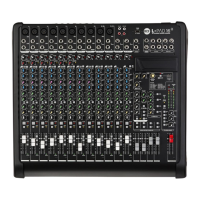
M 20X Digital Mixer Reference Guide
4. PROCESSING
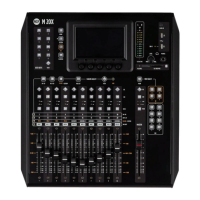
Press any SEL button to select a channel and the touchscreen will display the dedicated channel processing. The display
will automatically change every time the SEL button is pressed in order to cycling between the single processing pages.
It’s also possible to select the processing block touching the processing tabs on the upper side of the screen. Once a
block is selected, the display changes accordingly and the parameters available in that section are assigned to surface
encoders below the screen.
INPUT PROCESSING
The Input Processing screen is divided into the following tabs (from left to right):
CHANNEL
GATE
PARAMETRIC EQ
DYNAMICS
SENDS
You can touch each of these section to jump to the relevant page.
Channel strip area that always shows the principal information
of the selected channel: name, meter bar, fader level value,
pan value and on-off processing status bar
Processing Tabs:
Touch the block or
press SEL to change
view. The yellow
outline indicate the
current view. Each
block also shows the
preview of processing
settings.
This status bar shows the on-off
status of each function available on
the selected channel.
Encoder parameters
change accordingly to
the processing page
Processing section
hold touch buttons
and display boxes of
to the encoders
values
Encoder 1 is fixed to PAN control related to the selected Input or Output channel

 To Next Page
 Loading...