31
6.14 DISPLAY LCD CONTRAST PROGRAMMING
In PRG (4 + KEY) press %+ until LCD Contrast is displayed.
Press CASH to start the programming:
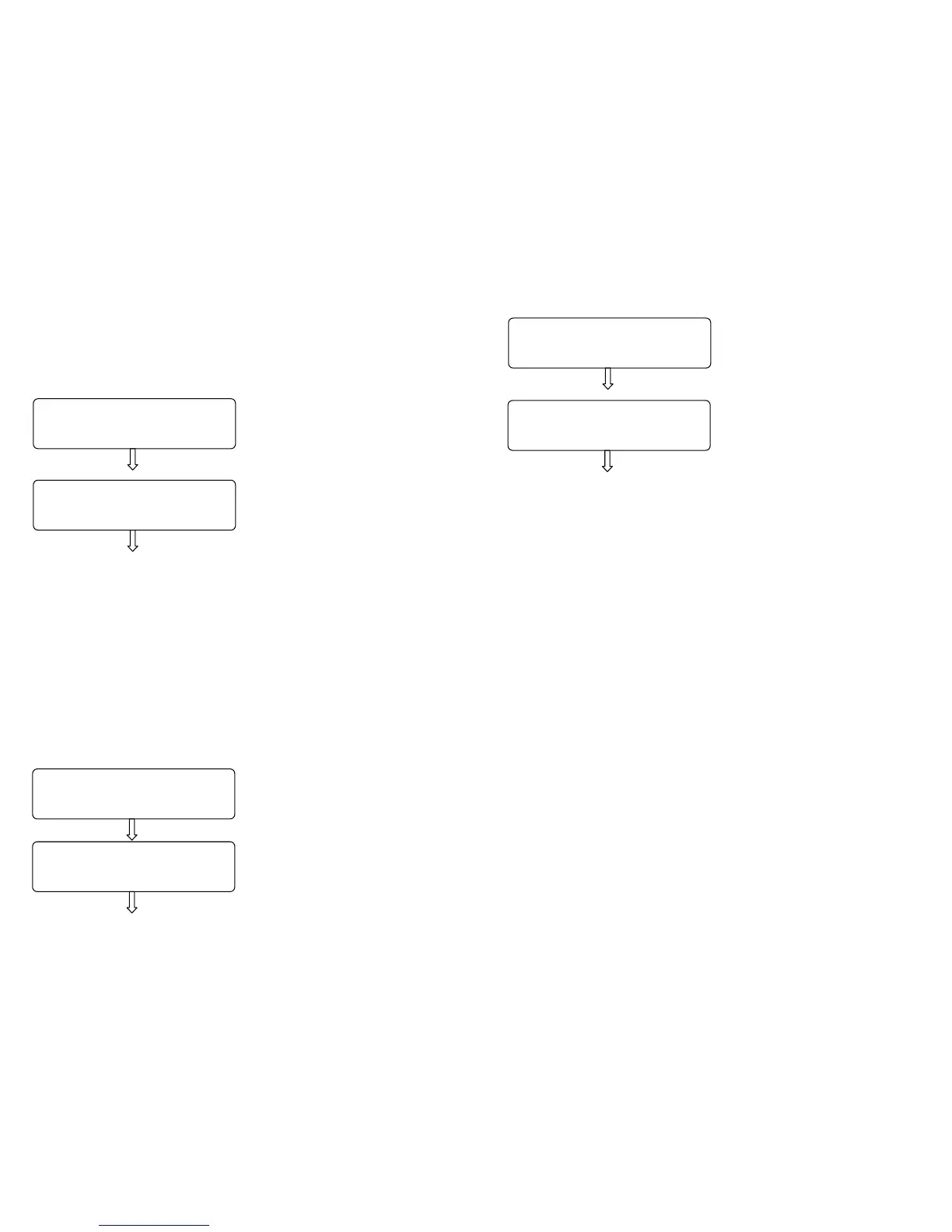
A) Slide the keys %+ and %- to
display a value from 0 to 5, then
press CASH.
B) Slide the keys %+ and %- to
display a value from 0 to 5, then
press CASH.
Once left the PRG “LCD Contrast” function, press VOID REC./VOID to go
back to PRG function, or continue the programming.
6.15 DISPLAY LCD LIGHTING PROGRAMMING
In PRG (4 + KEY) press %+ until LCD backlight is displayed. Such
programming allows choosing whether the displays must remain always
lighted or not. Further, it is possible to set up a value in seconds that would
allow switching off the displays after the cash counter has been idle for a
number of seconds.
Press CASH to start the programming:
A) Slide the keys %+ and %- to
alternatively display
• ON
• OFF
• Automatic
Then press CASH.
CLERK LCD
3
CUSTOMER LCD
3
- LCD BACKLIGHT -
ON
- LCD BACKLIGHT -
OFF
32
B) If “Automatic” is chosen, by
pressing CASH the display views
C) Enter the value in seconds that
allows the switching off of the
display, and then press CASH.
Once left the PRG “LCD backlight” function, press the key VOID
REC./VOID to go back to PRG function, or continue the programming.
6.16 PROGRAMMING RECAPITULATION
In PRG (4 + KEY) press %+ until Setting Summary is displayed. Press
CASH to get the printout of the programming done.
6.17 PLU RECAPITULATION
In PRG (4 + KEY) press %+ until PLU Summary is displayed. Press
CASH to get the printout of all programmed PLU.
- LCD BACKLIGHT -


 To Next Page