17
5 DISPLAY AND VIEWING
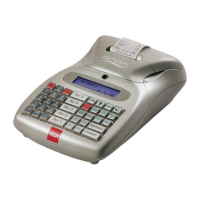
Onda is supplied with two displays, one on the clerk’s side and the other on the
customer’s side.
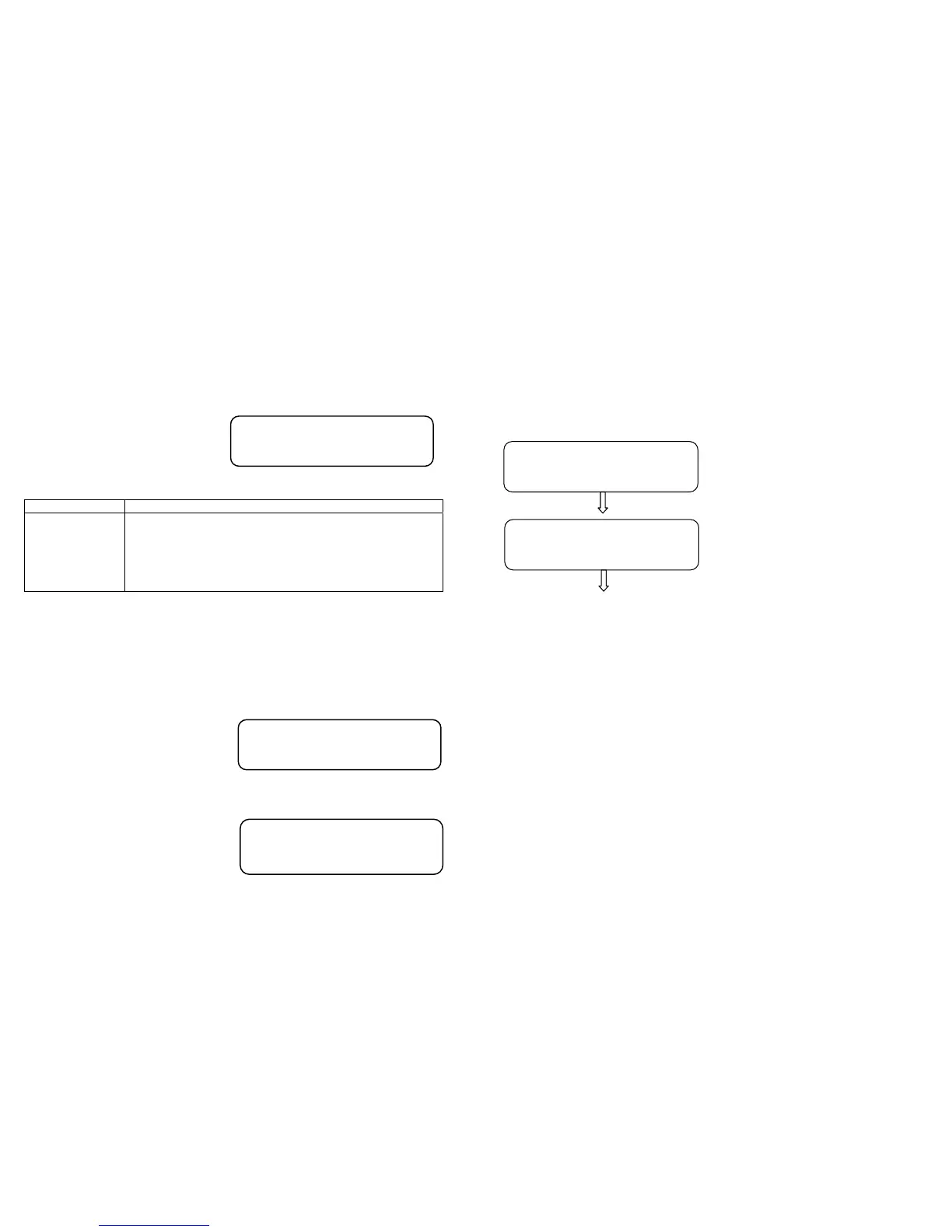
Clerk’s display: 2 alphanumerical lines x 16 characters (fig. 1)
Customer’s display: 16 alphanumerical characters
(Fig. 1) Clerk’s display
5.1 MODES INDICATION’
To select a mode it suffice to enter the number of the mode to activate
followed by the key KEY (KEY). (As an example, to set up the
programming: 4 and KEY ). When we are in a mode other than
Recording, it is possible to select one of the functions wished for through
the two sliding keys %+ e %- .
According to the mode where the machine is, the clerk’s display will inform
of it by displaying the related
identification on the upper left hand.
Once the menu is accessed through the keys %+ o %-, the display shows
on the upper line the type of display that may be selected through sliding
(see the following figure carrying an
example of display in Z mode).
To exit the menu, press the key St.Scontr./ STORNO (Void receipt/VOID).
MODALITIES DESCRIPTION
0 KEY Keypad locking
1 KEY REG Operating mode (recording)
2 KEY X Reading with fiscal daily reports– statistics
3 KEY Z Printout/Fiscal daily reportsof the financial, of the cash
counter sold, etc.
4 KEY PRG Programming ( PLU, Departments, Financial, etc.)
CASH
12.60
PRG
0
-Z DAILY REPORT-
Daily Fis.Report
18
5.2 KEYPAD LOCKING
To avoid any involuntary recording or to prevent the non-authorised
personnel from using Onda without, necessarily, switching off the cash
counter, use procedure “0” and key KEY from any modalities (REG – X – Z
– PRG). The display would show:
By pressing the key CASH the
keypad use is blocked (pre-selected
value “YES”), otherwise by pressing
the key %+ and CASH it gets back to
the previous mode.
To use the keypad again, it suffices pressing the sequence of the keys to
enter one of the four modes (example. 1 and KEY).
NOTE: if on display there is only value 0,00 it is possible to lock and then
unlock the keypad by pressing one after the others the keys KEY and
CASH.
LOCK KEYBOARD ?
<YES> / NO
* KEYBOARD *
* LOCK *


 To Next Page