37
7.4 SALES THROUGH PLU
PLU are articles that may be programmed and identified by a barcode. To
program the PLU see chapter 6.2, or for the loading from PC, use the
optional software.
PLU are retrieved by number, or through the barcode reader that may be
optionally connected.
To record the PLU follow the instructions of the following table:
PLU SALE PLU SALE WITH OTHER PRICE
1. Enter the PLU “code” (from 1 to
1000)
2. Press the PLU key
Note: if a scanner is used, it suffices to
read the barcode on the product’s label.
1. Enter the price for PLU
2. Press the keys FN and PLU
PRICE
3. Enter the PLU “code” (from 1 to
1000)
4. Press the PLU key
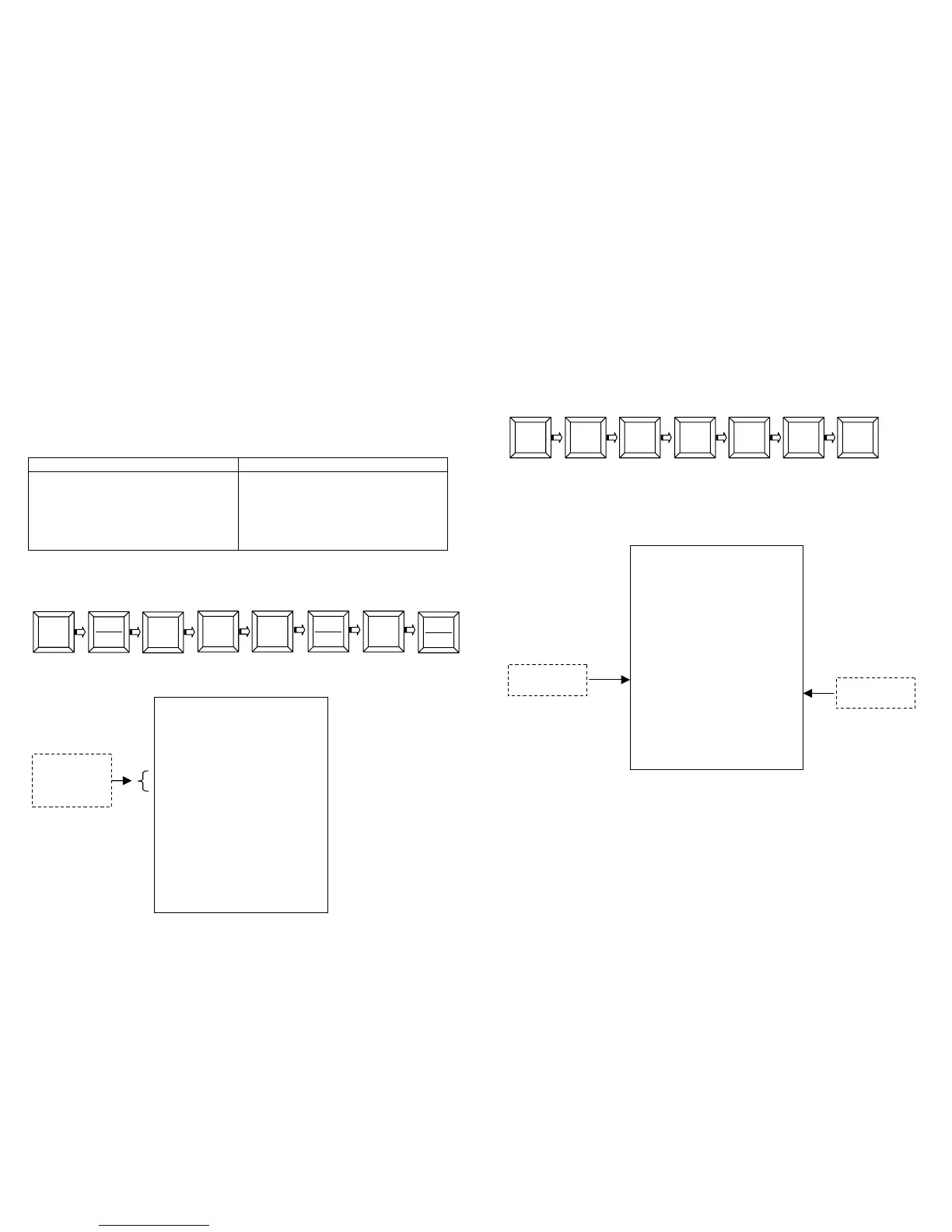
Example, Retrieve PLU5 with programmed price and PLU9 with manual
entering of the price.
Enter:
Close the receipt with the key CASH.
The receipt issued will be the following:
5
8
PLU
P.PL
RCH S.P.A.
VIA CENDON, 39
SILEA (TV)
P.IVA 00193390267
PLU 0005 F 5.00
PLU 0009 R 8.00
-----------------
SUB-TOTAL F 5.00
SUB-TOTAL R 8.00
TOTAL 13.00
CASH 13.00
CLK#1 PC#2
N.0003 16/01/05 12:10
GM GD 72000001
38
7.5 CHANGE CALCULATION
After the several recording, enter the amount received from the customer
and close the transaction with a closing total.
Example, Price of 89.00 at department 3, CASH 100.00
Enter:
Press the key CASH to close the receipt.
The display would show the change.
The receipt issued will be the following:
In case it is entered a value CASH lower than the total amount (example
80.00), the receipt will remain open and the display will show “LACK TO
PAY 9.00”.
8 00 1 00
DEP
3
9 00
CASH
CHANGE
RCH S.P.A.
VIA CENDON, 39
SILEA (TV)
P.IVA 00193390267
DEPART. 03 F 89.00
-----------------
SUB-TOTAL F 50.00
TOTAL 89.00
CASH 100.00
CHANGE 11.00
CLK#1 PC#1
N.0004 16/01/05 12:12
GM GD 72000001


 To Next Page