65
13 REPLACEMENT OF THE ELECTRONIC JOURNAL
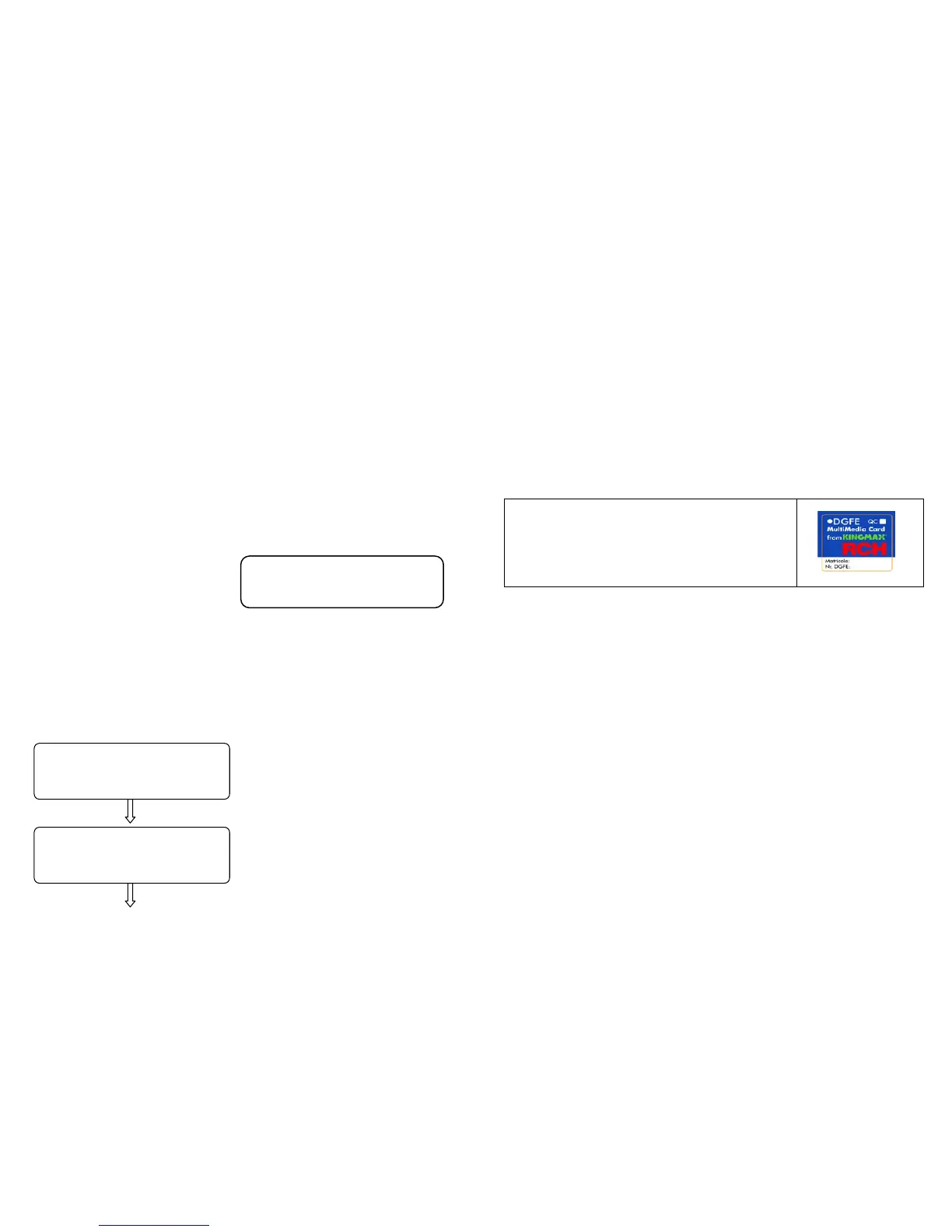
Onda use a Multi Media Card (MMC) like Electronic Journal ( E.J.), instead
that “old” roll paper. The E.J. stored inside memory all fiscal receipts
printed by Onda and then we can read data by functions on cap. 9.3.
When E.J. is about to finish, few days before the full memory in MMC,
Onda displays the warning messages accompanied by acoustic signals
(beep). These signals are repeated more frequently if the registration of
items continues keeping the already full MMC (E.J.).
To verify the space available in the MMC utilised as electronic Journal,
carry out the following operation: enter in Z mode (3 KEY ), press twice
key -% to see on display “ E.J. free space” then press CASH.
The display shows the available
space, as a percentage, in MMC to
carry data.
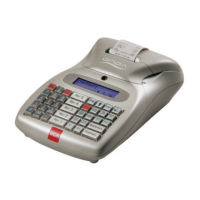
To replace the electronic journal (E.J.), overturn Onda, extract the full
MMC and insert a new one, taking care that it went to stick to the specific
fixing tooth and to have previously filled up the label.
Switch on Onda, enter in Z mode (3 + KEY ) and slide the menu with the
key +% up to the item “ E.J. Initialling ”.
The display shows
A) press CASH
B) Extract the used MMC and
insert a brand new MMC. Press
CASH
FREE SPACE
ON E.J. = 20%
-Z DAILY REPORT-
Inizialize E.J.
INSERT NEW MMC
Press a key
66
After a few seconds a not fiscal receipt is printed with data referred to the
initialling of the new E.J. support.
Press the key VOID REC./VOID to exit the menu.
Press 1 + KEY to go back to Recordings mode.
Continue with the recording of the items.
13.1 FILLING UP THE LABEL
The label on the electronic journal support (E.J.) must be duly filled up
before utilising the MMC. Enter the following data:
• Cash counter serial number
• Cumulative number of the electronic journal
(E.J.)
13.2 PRUDENCE IN OPERATING THE MMC
• Do not operate the MMC if the Onda feeder is insufficient (Hawkers
version with outside battery)
• Do not remove MMC when transferring the data or while the device
is ON (except in the procedure of replacement of full MMC)
• Do not take away the feeder to the machine during the
reading/writing of the data in the MMC
• Do not force the insertion (and extraction) of the MMC in the
connector
• Keep MMC clear of any source of heat and humidity and do not
place it in the open sun.


 To Next Page