20
Main Menu - User Settings - Backlite/Display
The Backlite/Display screen allows you to set the Backlite timeout and contrast.
Backlite Timeout: Sets the time from last button press that the backlite will timeout and turn off. The
timeout value is adjustable from 0 or 20 to 120 seconds. If set to “0”, the Backlite will always be ON. If set
in the range of 20 to 120 seconds, the Backlite will turn OFF after the selected time expires.
ON Level: You can vary the brightness of the backlite from 0 to 100%. The brightness varies in 10%
steps.
OFF Level: The off level can be adjusted to a minimum level of light even in the OFF state.
Contrast: Sets the contrast level of the LCD display, adjustable from 0 to 10. Use this control to adjust
the darkness of the display. To light and the display looks faded, too dark and dark lines will appear in the
display. Typically 5 is the best setting. Adjust as needed.
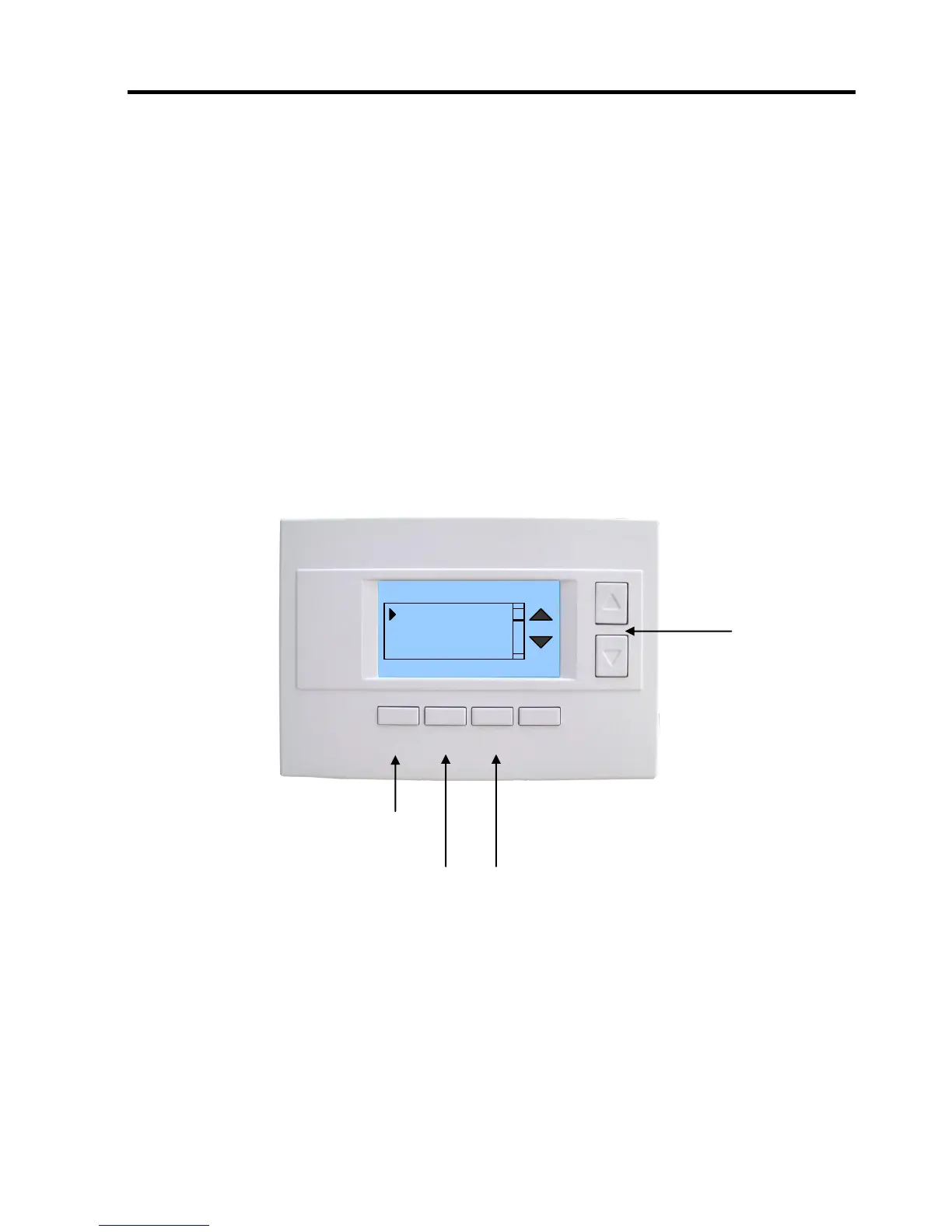
Backlite Settings Screen
Select menu item with
Up or Down buttons.
Backlite Timeout 0
ON Level 100%
OFF Level 0%
Contrast 5
Press DONE button to exit back to User
Settings screen.
Press +/- buttons to increase/decrease the setting.



 To Next Page