Version Number: RBM-1350 20210712A2
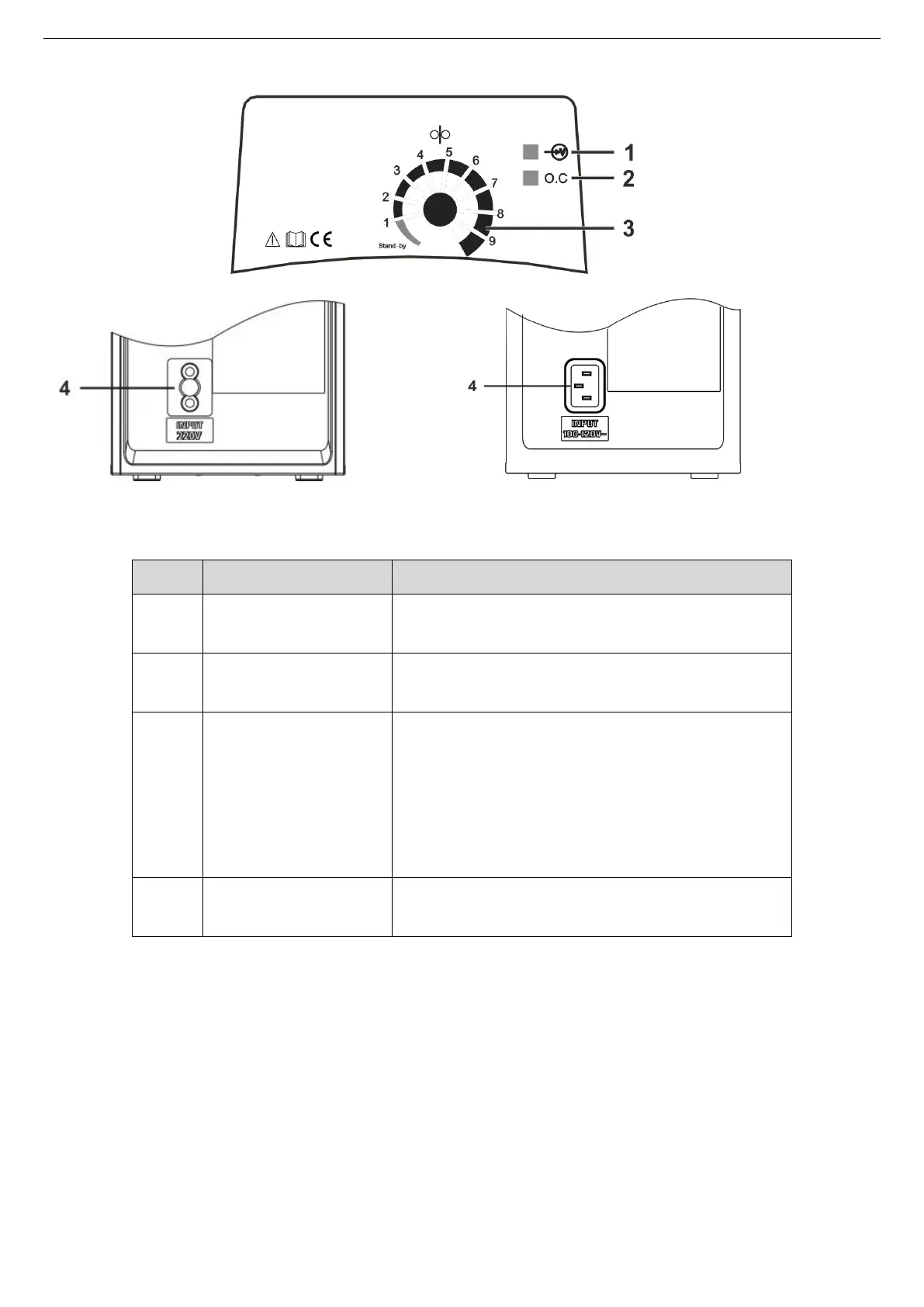
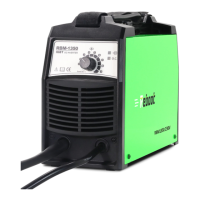
3.1 Panel layout
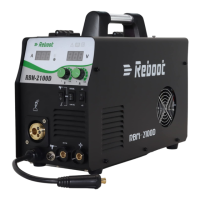
RBM-1350 MIG-135E
Set the adjusting knob to 1 or more, the indicator
lights on, the machine can work normally.
When an abnormal occurs, the indicator lights up, the
abnormal is eliminated, and the indicator lights out.
Set welding current.
The power source is synergic designed, After the
current is configured, the machine automatically
matches the feeding speed.
When the pointer points to “stand-by”, the
machine is in standby state.
See the value of adjusting knob on the panel of the machine. The images shown here are indicative only.
3.2 Operation instruction
Operating steps as follows.
Step 1. After connecting the power supply, the machine is in standby state when the pointer points to “stand-by”,
and the power indicator lights on when the pointer is adjusted to 1 or more. The machine does not have a
power switch, this knob controls the on and off of the machine


 To Next Page