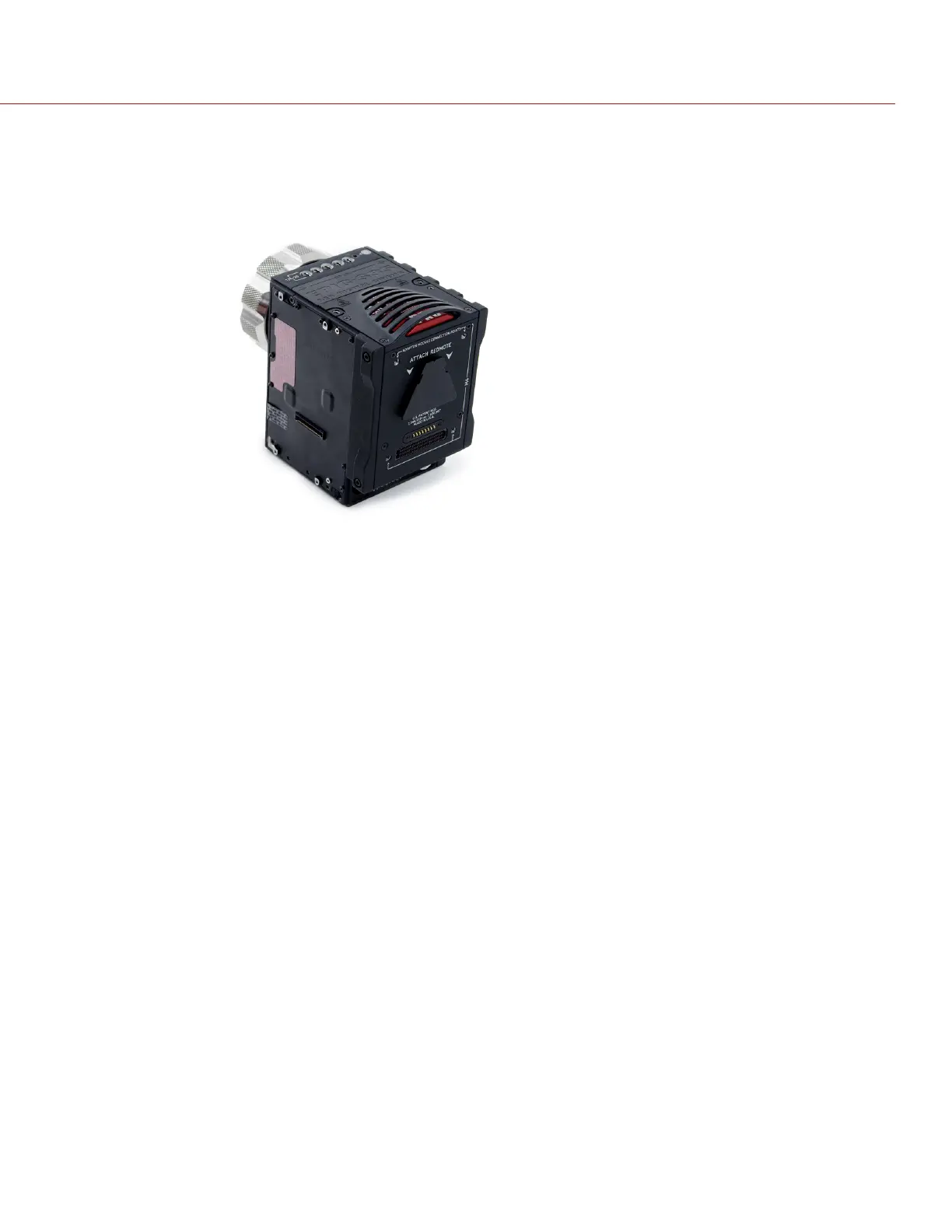
3. Remove the module from the camera.
4. Inspect the connections and pins on the camera and ensure that they are clean and undamaged.
NOTE: DO NOT remove the two (2) red and black tamper-proof stickers.
Figure: Inspect Connections
C O PYRIGHT © 2 017 R ED.C OM , LLC 955- 0047, REV- AH| 39
RED DSMC MEDIA OPERATION GUIDE



 To Next Page